Zillow Rental Photo Requirements: Size, Count & Rules
The acceptance limits are simple; the checklist below covers the accurate, complete gallery renters actually need.
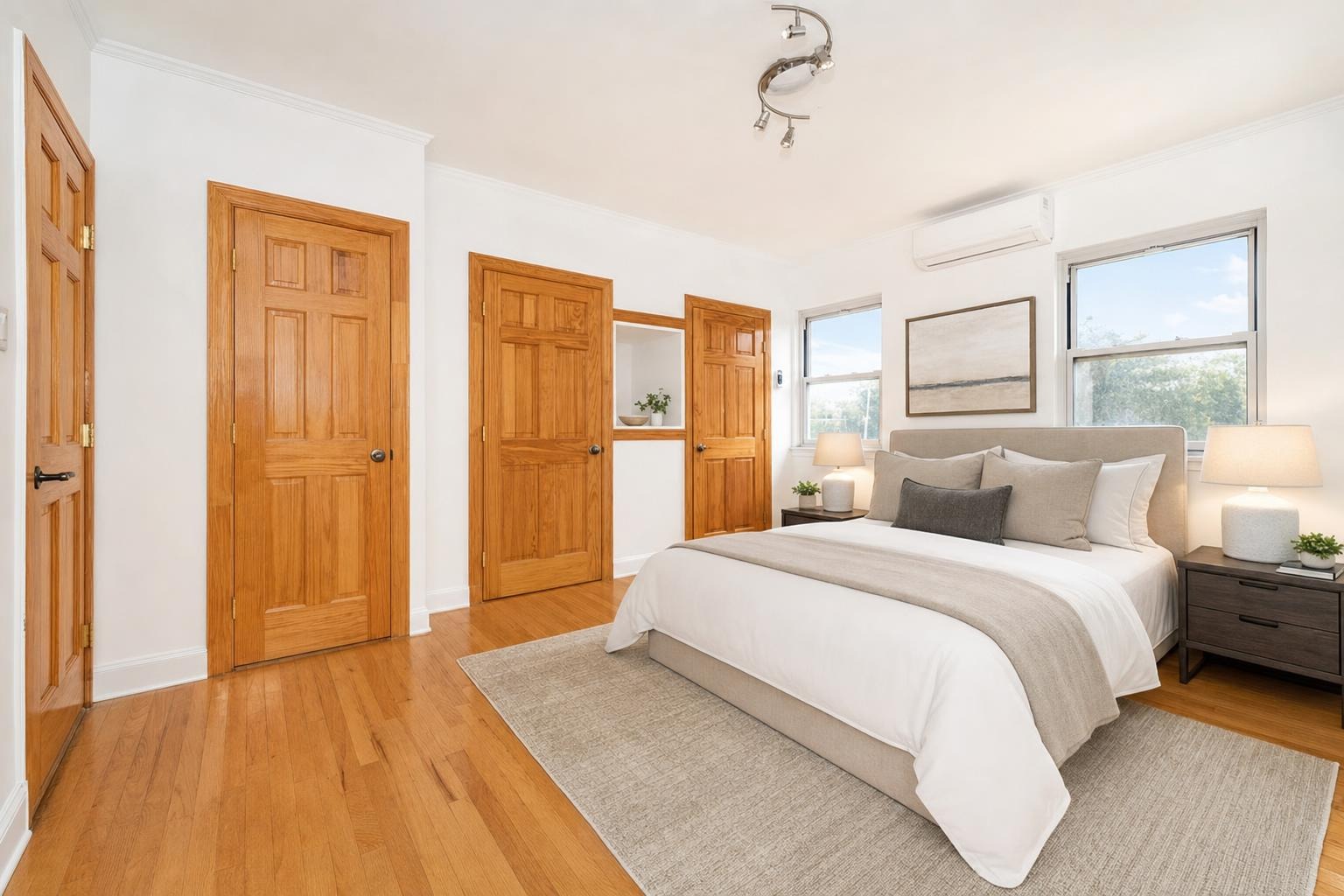
The short version
For a Zillow rental listing, use clear, current photos of the actual available unit, upload large landscape files, show the interior and exterior in a logical order, and keep contact details and logos out of the images. The technical minimum is easy; the real job is giving renters a complete, honest tour before they inquire.
Publishing a rental on Zillow is easy. Publishing one that feels complete, credible, and worth opening is the real job. The photos are where that work becomes visible. Before you write the description or answer the first inquiry, a renter has already made a fast judgment about the space from a handful of thumbnails.
Zillow's rental quality policy is refreshingly direct: photos need to be clear and accurate, show the interior or exterior of the actual property, and stay within its technical limits. That leaves room for good photography, but not for a gallery that hides the hard parts of the unit or adds information that is not there.
Start with the actual, available unit
The most important requirement is not a pixel count. It is accuracy. Use recent images of the specific home or apartment a renter can lease. A photo of a similar unit, a model unit, or a room before a renovation can create a mismatch that wastes everyone's time. If a unit is occupied, say so and explain when it will be available instead of letting an old gallery imply an immediate move-in.
That rule applies to edits too. Brightening, straightening vertical lines, and correcting a yellow cast are normal photographic corrections. Removing a permanent flaw, changing the view, or displaying furniture and amenities as if they are included is a different claim about the rental. Keep the distinction clear.
Use large, ordinary image files
Zillow Rentals requires photos to be at least 330 by 220 pixels and no larger than 9,459 by 9,459 pixels. Those are acceptance limits, not quality targets. In practice, upload the full-resolution landscape JPEG from a recent phone or camera. Let the platform resize down; it cannot restore detail from a tiny screenshot or a heavily compressed file.
Landscape frames are the safe default because rental search cards and galleries are built around horizontal images. Shoot the room wide enough to show its shape, then make sure the most important detail is not pressed against an edge that could crop away. If you use a vertical photo for a tall feature, review the published crop before you call the gallery finished.
Give renters a complete walk-through
A rental gallery should answer the question, “Could I live here?” in the order someone would naturally explore the home. Begin with the strongest accurate hero image—usually the living room, kitchen, best exterior, or a true standout feature—then move through the unit in a logical sequence.
- Exterior, entry, or the strongest primary living space.
- Living room, kitchen, and dining area.
- Each bedroom and bathroom, including the less glamorous second bath.
- Storage, laundry, parking, yard, balcony, or other features a renter needs to evaluate.
- Building amenities only when they are actually available to this renter.
Zillow recommends at least 10 to 15 high-quality images for a rental. That is a sensible floor for a complete unit, not a reason to upload five near-identical angles of the same counter. Every image should answer a new question about the space.
Clean the frame before you shoot it
Renter photos benefit from the same prep as a sale listing: clear counters, remove mail and cords, make the bed, put the toilet lid down, and take magnets and personal papers off the refrigerator. The camera turns small clutter into a much bigger visual problem. Do not retouch a tenant's private material out after the fact if you can avoid it; ask for a brief, respectful photo window and remove it before the photo is taken.
Open blinds, turn on lights, and shoot during the day. Keep your phone level, use its gridlines, and shoot from a corner rather than facing a flat wall. For the camera technique itself, use our phone-only room photography guide.
Captions and overlays: keep them useful
Captions can help renters understand what they are looking at: “Primary bedroom,” “Shared roof deck,” or “In-unit laundry” are useful. Contact information, logos, and promotional text baked into the image are not. Zillow's rental policy specifically prohibits third-party intellectual property and contact information in photos, so keep your phone number, website, and branding out of the frame.
A disclosure label is the important exception. If you include a virtually staged image or a renovation preview, label it clearly and make sure the original or real condition is not obscured. The point is to help a renter understand the space, not to create a furnished promise for an unfurnished unit.
Run this five-minute check before publishing
- Every photo is of this unit, current enough to represent its condition, and free of private information.
- The first photo is the strongest truthful image, not a hallway or a close-up detail.
- The gallery covers every room, the exterior, and the amenities a renter will care about.
- Images are large, bright, level, and mostly horizontal.
- No photo contains contact details, logos, misleading edits, or an unlabeled virtual stage.
The technical upload threshold is easy to meet. The competitive advantage comes from treating the gallery like a short, honest tour. Do that, and renters arrive at the description already understanding the value of the home.
Questions people actually ask
What size photos does Zillow Rentals accept?
Zillow Rentals says photographs must be at least 330 by 220 pixels and no larger than 9,459 by 9,459 pixels. Those are acceptance limits, so upload the full-resolution landscape JPEG from a recent phone or camera rather than a small screenshot or compressed copy.
How many photos should a Zillow rental listing have?
Aim for at least 10 to 15 useful photos, which is Zillow's own recommendation for a rental listing. Include the exterior, main living area, kitchen, every bedroom and bathroom, plus practical amenities such as laundry, storage, parking, or outdoor space when they are part of the lease.
Can I put a phone number or logo on Zillow rental photos?
No. Zillow's rental quality policy prohibits third-party intellectual property and contact information in photographs, including names, numbers, addresses, and logos. Put contact details in the dedicated listing fields and use captions only to identify useful features of the property.
Sources
- Zillow Rentals Listings Quality Policy — Rental photos must be clear and accurate, meet the image-size limits, and contain no third-party intellectual property or contact information.
- Zillow Rental Manager — Photography Tips — Zillow recommends at least 10 to 15 high-quality rental photos and advises landlords to use natural light, wider shots, and a clean, tidy space.