
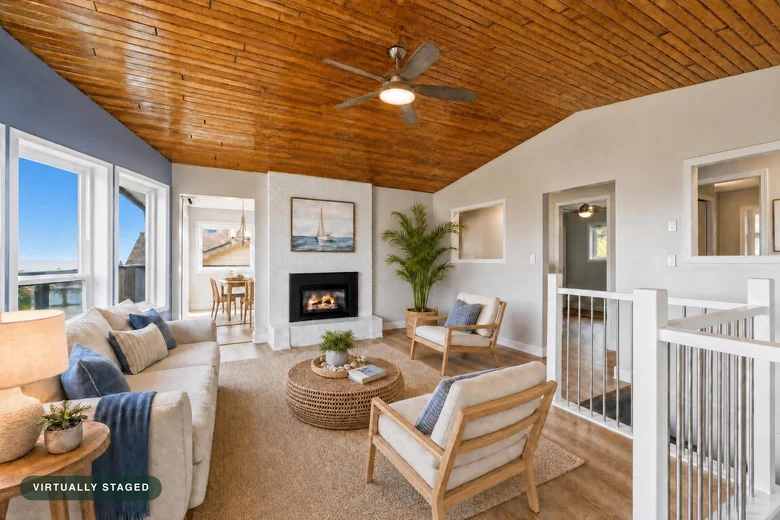
Help buyers see
the possibility.
Furnish an empty room. Brighten a dark shot. Remove movable clutter. Create a twilight exterior without returning at sunset.
See all four photo toolsStage empty rooms and refine the details, then turn your photos into motion clips and branded listing reels. Start with the shots you already have.
Stage, enhance, declutter, and create dusk. Refine the details, with unlimited revisions on every paid photo. No expiry.
Give your listing photos a little life. Turn an original, edited, or staged photo into a five-second camera move. Then build a branded listing reel.
Explore Photo AnimationFirst clip included with a Stylst purchase.
Then 5 credits per clip. Reel assembly is free.
Original, edited, or virtually staged.
Push in, pull back, or glide.
Add your brand. Export in four formats.
In beta: AI motion can change details. Compare with your original before sharing.
Trusted by agents at








From the seller presentation to the listing launch, keep the work moving in one place.
Furnish an empty room. Brighten a dark shot. Remove movable clutter. Create a twilight exterior without returning at sunset.
See all four photo toolsTap a spot and describe the change. Keep a consistent furniture set across angles, save the original, and refine every newly paid photo with unlimited revisions, with no expiry.
See what comes with your packTurn photos into five-second motion clips. Mix clips, stills, and before-and-after reveals into a branded reel. Export for stories, feeds, square posts, or landscape.
Watch Photo Animation · BetaReal customer photos, before and after. Choose the tool for the shot you have, and see exactly what changes.
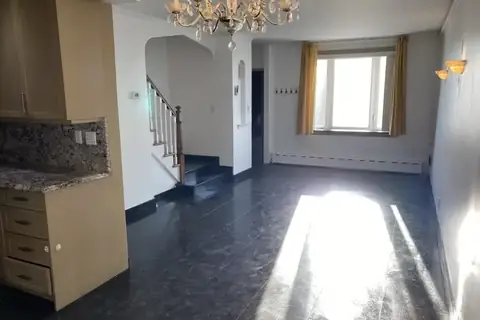
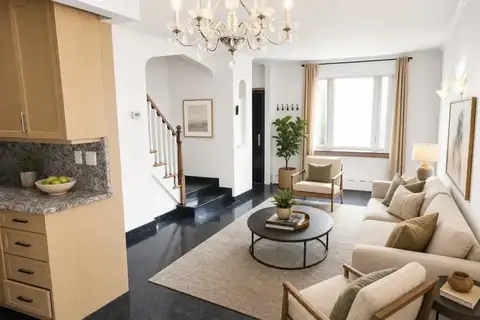
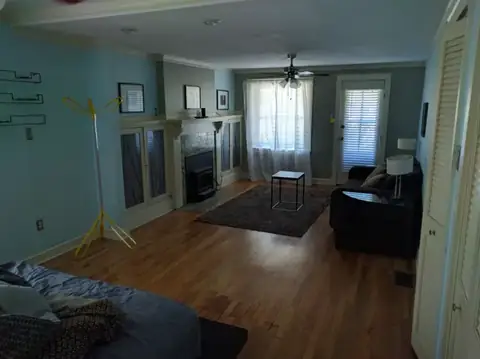
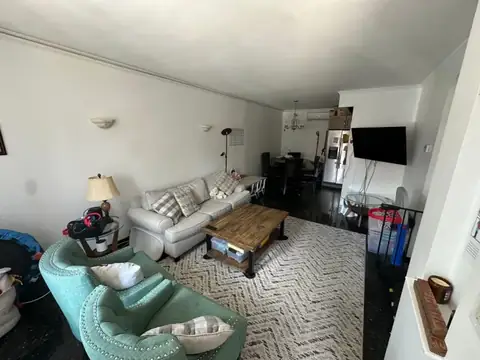
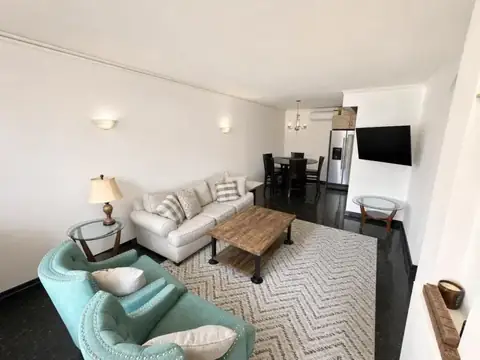


Different artwork. A detail to keep. Point to the spot and tell us what you want changed, without starting over.
Unlimited revisions on paid photos.
Same original photo and tool. No expiry.
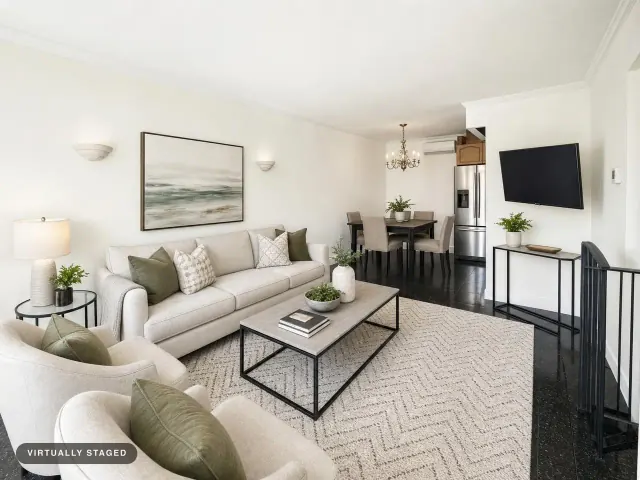
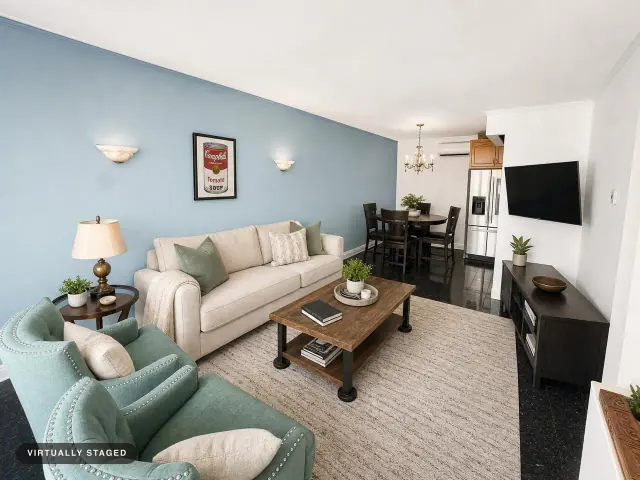 Before the revision
A real staged photo. Choose “The requests” to see what was asked for.
1 · Artworkmake this the cambells soup painting
2 · Wallmake this wall blue
Real example, original request wording. The wall color was explicitly requested in this example; ordinary staging preserves the property.
Start with virtual staging on a real room photo. See the watermarked preview in about 30 seconds, then decide whether to buy finished downloads.
Choose a photo from your phone or computer. No new shoot and no card needed to start.
Choose a style and leave your email. We create and check your watermarked result while you verify your email.
Like what you see? Choose a pack, unlock the clean download, and put the rest of your credits to work.
“Excellent”
“Thank you! Looks perfect”
One photo to see the difference. A pack for the photos you need. Use your credits across properties, with no subscription required.
The tools to get the result right and put it to work.
Monthly plans
One-time packs
Photo Animation is in beta. Your first clip is included with a purchase; additional clips use 5 credits each. Reel assembly, reuse, and re-export are free.
Tell us what missed within 24 hours. We’ll re-run it free with your feedback. If it still misses, we credit the photo back to your balance.
Still deciding? Start with the free preview. You will see your own result before paying.
Photo Animation turns an original or edited listing photo into a five-second AI camera-motion clip. Every paying customer gets one free clip, then each new clip costs 5 credits. Combine clips, reveals, and still photos into listing reels for free. AI motion can introduce visual changes, so review each clip against its source before sharing. Availability is shown in the app.
Yes. On the web, your first result is a free watermarked preview. It is saved to your email, and any credit pack unlocks that exact photo as a clean download—nothing to redo and no card required to see the result. Free first photos are available in supported regions.
No. Walls, windows, doors, floors, ceilings, and the room layout stay where they are. Virtual staging adds furnishings; Photo fix corrects light and color; Declutter removes movable clutter; Day to dusk changes sky and window glow.
Virtually staged photos are widely used when properly disclosed. Stylst can add a “Virtually staged” label and keeps the original alongside the result. Requirements vary by MLS, so check your local rules.
Tell us what missed within 24 hours. We’ll re-run it free with your feedback. If it still misses, we credit the photo back to your balance.
No. Choose a monthly plan for the lowest per-photo price, or buy a one-time credit pack with no recurring charge.
Yes. Open any photo, tap Change this photo, and tap the spots you want handled differently — up to eight of them. Each tap asks what should happen there: take this out, change this, keep this, or more like this. Pointing beats describing, because a room can hold four plants and “remove the plant” does not say which one. Every newly paid or unlocked photo includes unlimited revisions, with no expiry, using the same original photo and tool. A different photo or tool is a new generation, with its price shown before you submit. Free watermarked previews must be unlocked first.
Stylst stages what it can see, so the shot itself does half the work. Stand in the doorway and back up as far as you can. Keep the lens clear, because anything right in front of the camera reads as part of the room. Turn the lights on and open the blinds. Hold the camera level, about chest height. Shoot one room per photo and upload them all at once. And do not tidy for staging, because clearing the room is our job. If a photo you pick is likely to give us trouble, we say so before you spend anything, and you can always stage it anyway.
Show what the room could be. Start with a photo you already have and see your own free preview.
See my free previewNo card required · Free watermarked preview · About 30 seconds