 Stylst
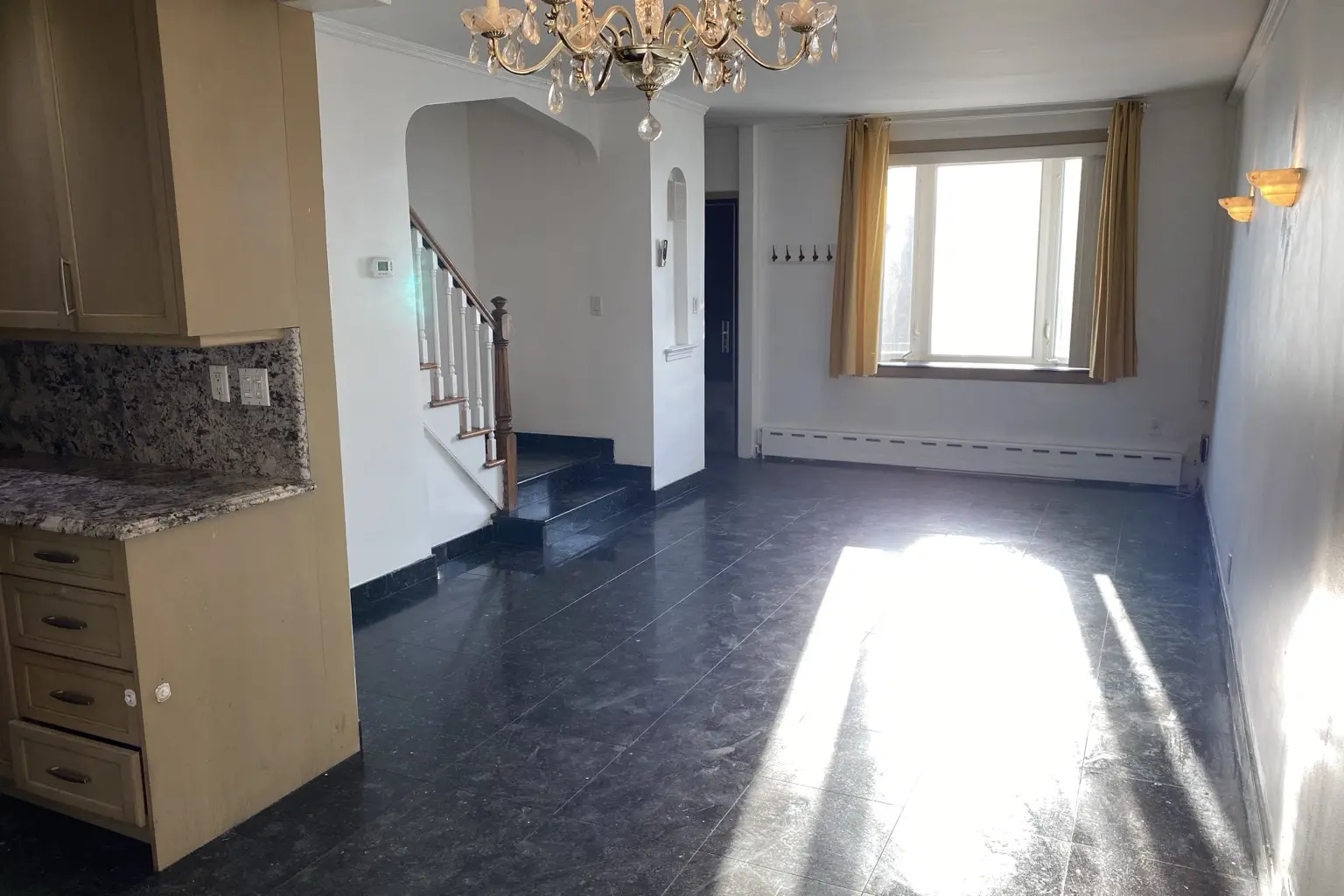
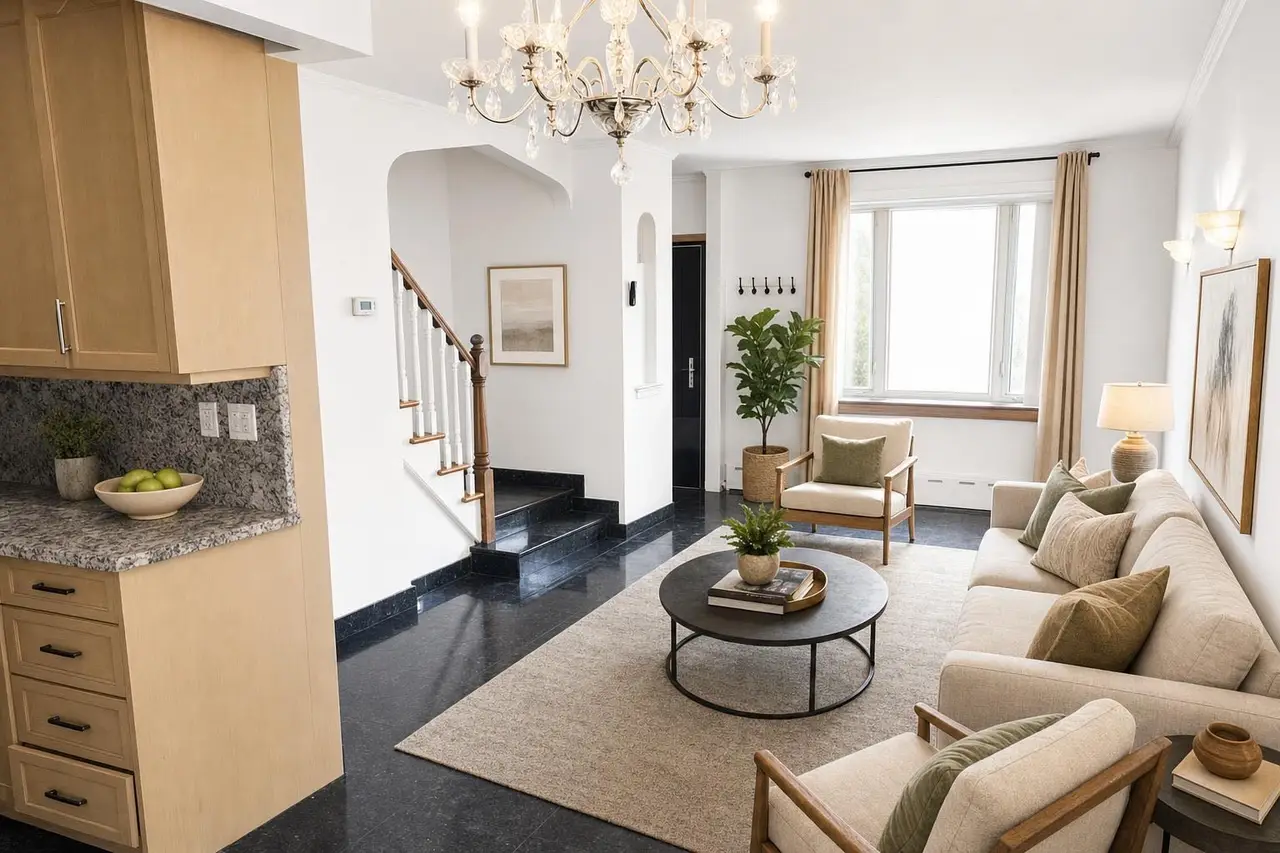

Photo Animation
Create a five-second moving clip from an original or edited photo.
Checking price…
Animate a photoNo password to remember. If you're new, verifying creates your account. If you're returning, it brings back your photos and credits.
Someone just staged an empty living room in modern style
recently
Start with one photo or upload a whole listing. Stylst checks every result before it reaches you.
JPG, PNG or HEIC · one photo or a whole listing · back in about 30 seconds
Animate a photo, build a listing reel, or order a human-reviewed film.
Resume a listing draft or start another one.
Paste the public listing URL for context. For major portals, Stylst will never copy the page or its photos; you’ll upload the originals instead.
Listing ownership and photo copyright can be different. Before Stylst stores or stages these images, confirm that you own them or have permission for this use.
Paste a secure listing URL. Unknown and unapproved sources use photo upload.
Loading the listing…
You can review this draft now. Accept the current confirmation before uploading or staging more photos.
Reuse a tool, room, style and your saved photo rules. Applying a preset updates your account’s photo rules; it never creates a photo or spends credits.
Keep the original wall hue, saturation, brightness and lighting. No repainting, recoloring, brightening or new wall shadows. Results that fail the color check are rejected. This may take longer or fail on some photos.
We save your staged photo to this email, so you can open it on any device, including your computer. While we create it, tap the link we email you. A 6-digit code works too.
By continuing, you agree to the Terms and Privacy Policy.
Your free preview is ready. Save this exact result and see your clean-photo options without uploading it again.
One email field. No password. No card until you choose a plan or pack.
Open “Change this photo,” then click or tap an item to remove, replace, or keep it. See how ↗
Keep the original wall hue, saturation, brightness and lighting. No repainting, recoloring, brightening or new wall shadows. Results that fail the color check are rejected. This may take longer or fail on some photos.
Open a photo to compare, download, change, or remove it.
Animate one photo, bring a whole listing together, or let us produce a film.
Give a still photo a gentle push-in, pull-back, or camera glide.
Checking animation availability…
Animate a photoAI motion can introduce visual changes. Compare each clip with your original before sharing.
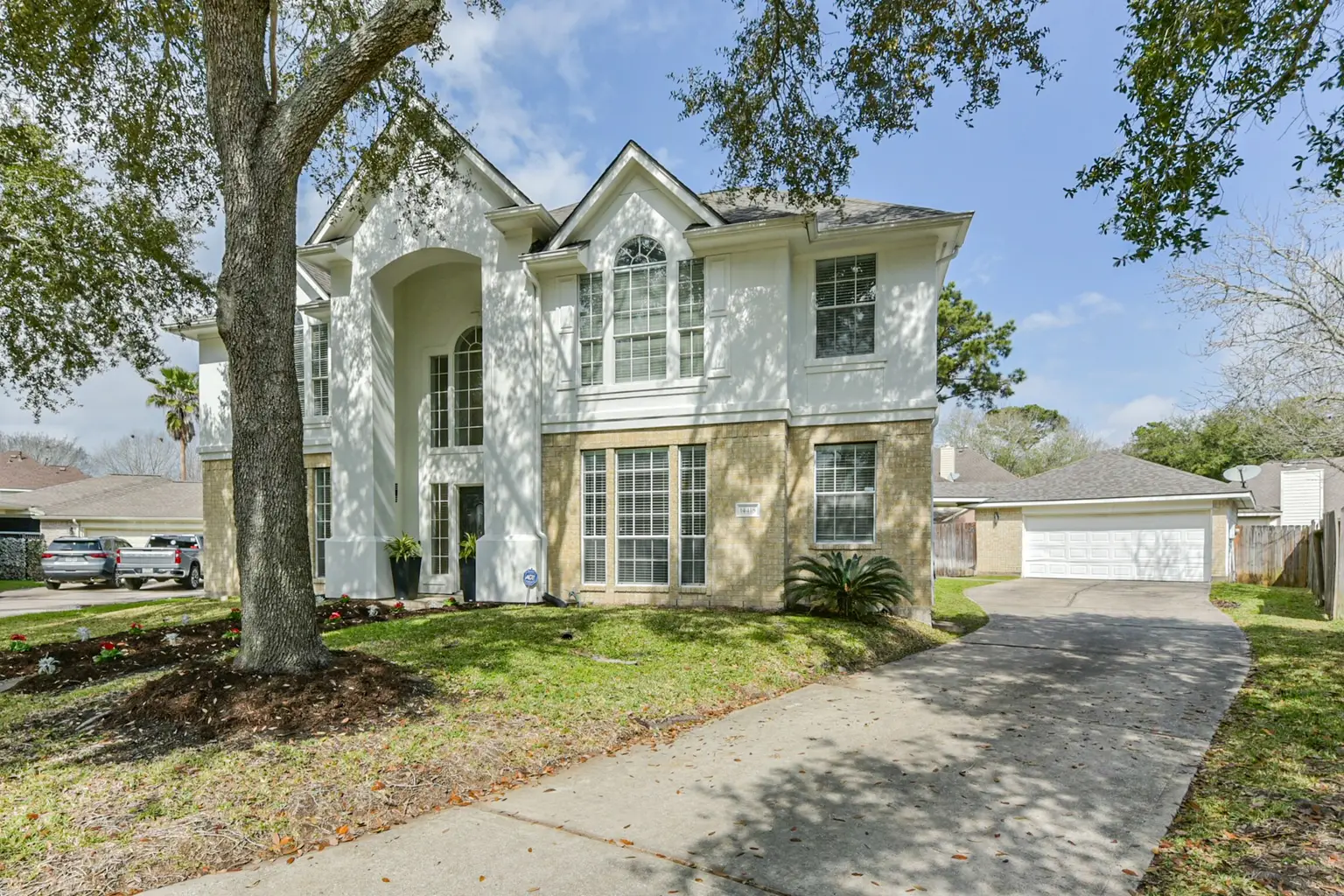 Original photo for the opening shot
Create a five-second moving clip from an original or edited photo.
Checking price…
Animate a photoChoose a listing or upload photos. Combine up to ten animations, stills, and staging reveals.
Free assembly and exports
Create a listing reelA Staging Reveal or Open House film, reviewed by a person and delivered in three formats.
Checking price…
Explore listing filmsTurn one photo into a five-second moving clip.
Checking your free try…
AI motion can introduce visual changes. Compare each clip with its source before sharing.
Matching completed clips are reused for free. Choose a new version only when you want to generate again.
Combine up to ten clips, reveals, and stills. Assembly and re-exports are free.
First segment framing preview
Choose a Staging Reveal or an Open House story. Both film styles use your finished Stylst photos and are reviewed by a person.
The furniture physically enters the room, the camera moves through real space, and actual property views keep the story honest.
Living room, dining room, and kitchen are virtually staged. Exterior and aerial images show the actual property.
Furniture arrives with depth and contact shadows—never a crossfade.
Cinematic camera glides show spatial relationships and architecture.
Feed, Reels/Story, and landscape exports, reviewed by a human.
Available to teams and personal accounts with two completed Stylst purchases. Three formats, human-reviewed and delivered within 24 hours.
A private line to the founder. No AI replies as Arash.
Standing requests for every photo we make for you. Set one for all photos, or one per room.
We pre-select it when you pick this room. You can still change it on any photo.
What we've shipped lately.
One link for this listing: your finished photos and your contact card, with a QR code for flyers and signs. See an example page
Loading…
Every plan includes branded listing pages with your contact card and a QR code. You can set this page up and preview it now.
Shown on the page and in search results. Add a street address only if you want it public.
Tap to include or remove. The page shows them in the order you tap.
Saved to your brand kit, so your posts and reels use it too. Untick anything you don't want on this page.
Live while your Stylst Plan is active. If the plan ends, the page goes offline, and comes back at the same link if you resubscribe.
Your purchase records in one place, with each currency shown exactly as charged.
Currencies stay separate. Apple and Google amounts appear only on their official store receipts.
Tell us what you have in mind. We’ll work out the details together, then show you a plan to approve.
Click or tap an item in the photo, then tell us what to change. You can mark more than one item.
Revisions use the same original photo and tool. A different tool starts a new generation; its price appears before you submit.
Each credit creates one new photo with any Stylst photo tool. Buy once for this listing, or choose a monthly plan for regular listing work.
Unused photos roll over while subscribed. Pause or cancel online anytime.
No recurring charge. Credits remain available for one year.