MLS Photo Requirements: Size, Count, and Quality Rules
Every MLS has rules for listing photos. Get the size, count, and content right before you upload.
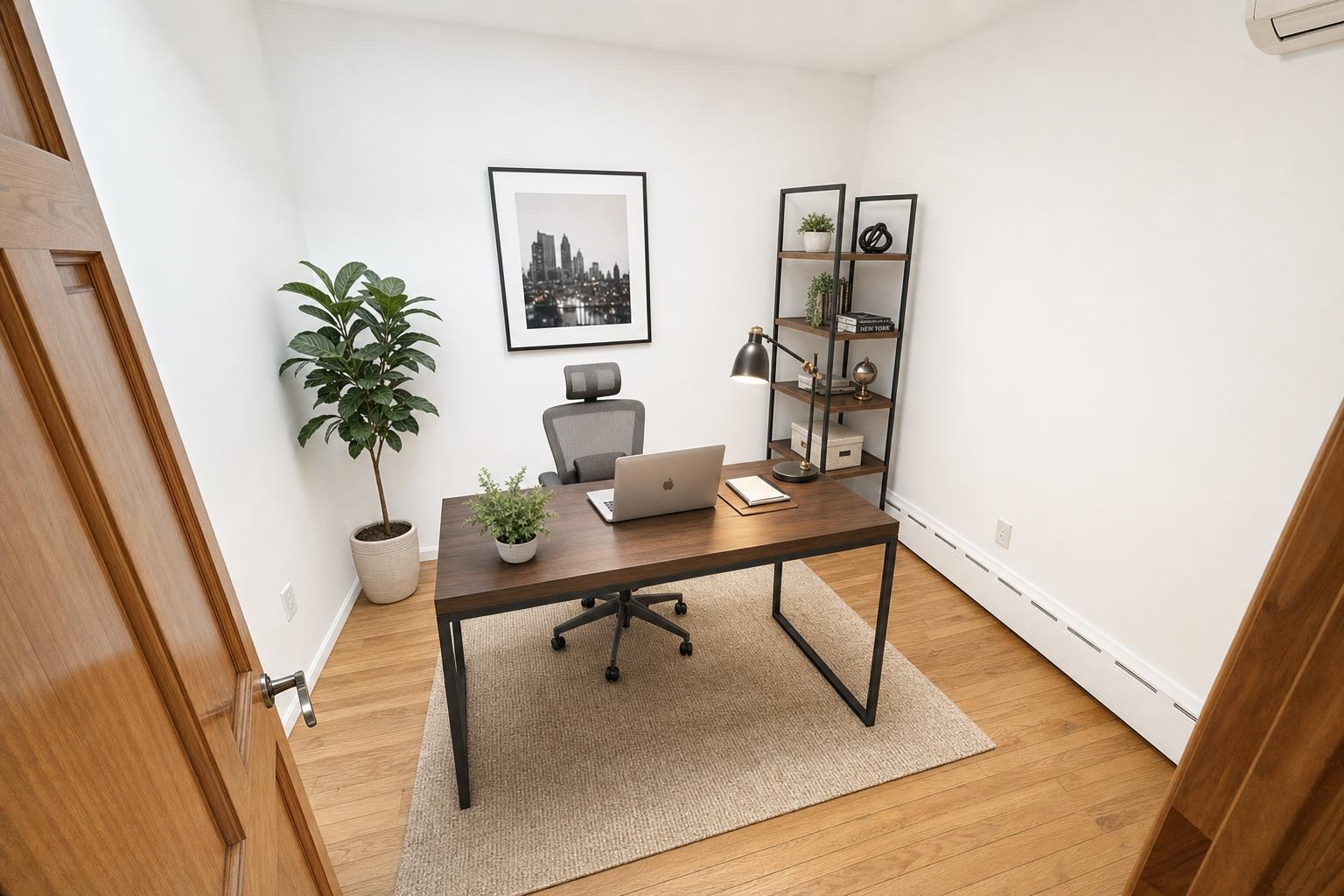
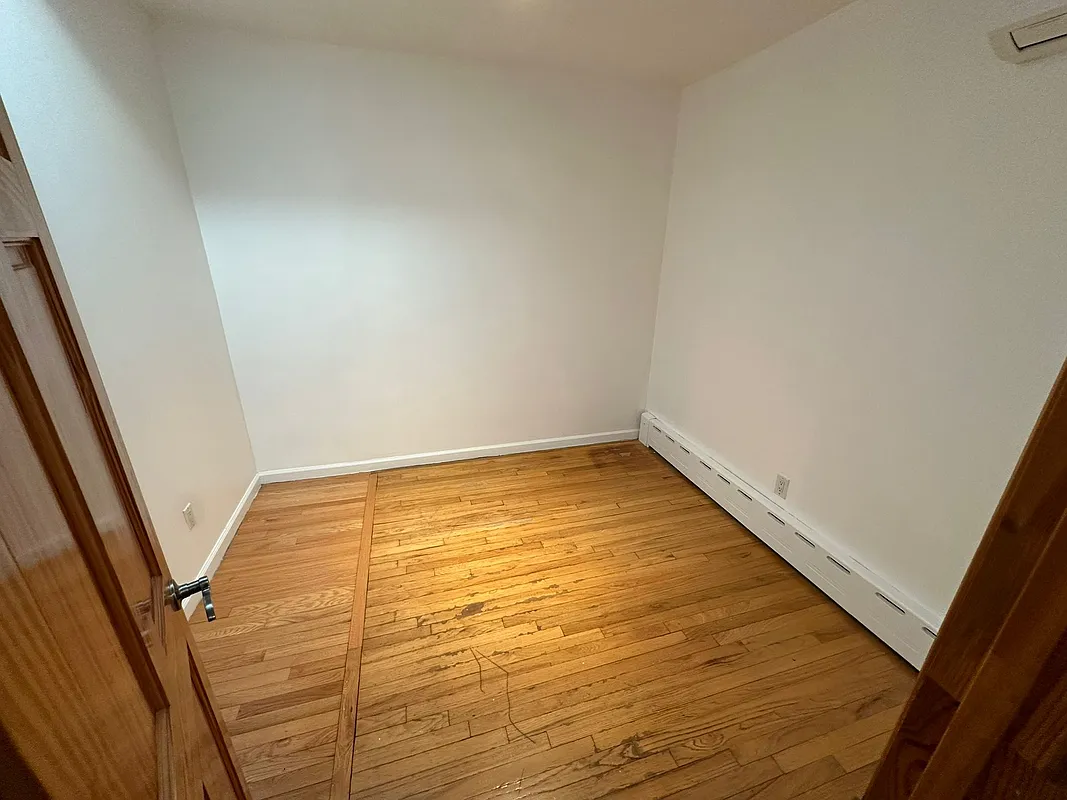 after · staged
before
after · staged
before
The short version
MLS photo rules are not complicated but ignoring them stalls a listing. Expect a resolution minimum, a photo count floor and ceiling, landscape orientation, no branding or watermarks in the image, no people or identifying details, and a disclosure label on anything virtually staged.
Before your beautiful listing photos can do their job, they have to clear the MLS. Every multiple listing service sets its own rules for photo size, count, content, and branding, and getting them wrong means rejected uploads, a delayed go-live, or even a policy violation. The specifics vary by MLS, so always check your local rules — but the categories below are consistent almost everywhere, and knowing them keeps your listing from getting hung up.
Resolution and file size
Most MLSs want high-resolution images, and many now have a minimum. Common guidance:
- Minimum width often around 1024 px, with 1280–2048 px or larger preferred so photos look sharp on big screens.
- Maximum file size caps per image (frequently in the 10–20 MB range) — oversized files get rejected.
- Format is usually JPEG. Export your edits as standard JPEGs to avoid upload errors.
- Aspect ratio is typically landscape; portrait phone shots may get cropped or letterboxed awkwardly, so shoot horizontal.
If you've edited and cropped heavily, double-check you haven't dropped below the minimum resolution — our photo editing basics covers exporting cleanly.
Photo count
MLSs set both a minimum and a maximum number of photos. Many require at least one (the exterior), and most cap the total somewhere around 25 to 50 images. The cap is rarely your problem — the real question is how many you should post for impact, which we cover in how many photos a listing should have. Hit the minimum, stay under the max, and prioritize quality over filling every slot.
What you can and can't show
Content rules are where agents get tripped up. Typical restrictions:
- People and pets are usually discouraged or banned — listing photos should show the property, not its occupants.
- No identifying or sensitive info visible (license plates, personal documents, security details).
- The first photo is often required to be an exterior or a designated primary image, not an interior detail.
- Seasonal consistency may be expected — some MLSs frown on a snowy exterior on a summer listing.
No branding in the photos.
This is the rule agents break most. Most MLSs prohibit watermarks, logos, agent names, phone numbers, or website URLs burned into listing images. Syndication partners like Zillow and Realtor.com reject branded photos too. Keep your contact info in the listing fields, not on the pictures.
Watermarks and branding
To expand on the callout: the MLS and the portals it feeds want clean, unbranded images so the listing displays consistently across sites. A logo or phone number on the photo can get the image stripped or the listing flagged. If you're worried about photo theft, that's a real concern but the MLS isn't the place to solve it — branding the images usually violates policy.
Virtual staging must be disclosed
If you virtually stage a photo, check the exact authority rather than assuming one universal MLS workflow. Some rules require an image description, some require listing remarks or a dedicated field, and some require the original image beside the altered version. Use the virtual-staging disclosure directory for source-linked requirements, and read is virtual staging legal? for the broader accuracy and misrepresentation principles.
Where Stylst lands
Stylst's virtual staging app returns high-resolution, landscape, unbranded JPEGs and keeps the original beside the result for comparison. It doesn't burn a watermark into paid downloads, so they upload clean. Just remember to follow the exact disclosure rule that applies to your listing.
The bottom line
MLS photo rules aren't complicated, but ignoring them stalls your listing. Shoot landscape and high-resolution, export clean JPEGs under the size cap, stay within the photo count, keep people and branding out of the frame, and disclose any virtual staging. Check your local MLS for the exact numbers — then your great photos can actually go to work.
Questions people actually ask
What resolution do MLS listing photos need to be?
Most MLSs set a minimum and want high-resolution landscape JPEGs, because the same file gets syndicated to portals that display it much larger than the MLS does. The specific number varies by market, so check yours, but the safe approach is uploading the largest file you have rather than a resized copy.
Are watermarks allowed on MLS photos?
Generally no. MLSs and the portals they feed want clean unbranded images so listings display consistently across sites, and agent or brokerage branding in the image is the most common cause of a photo being rejected or removed. Keep branding for your own marketing copies of the file.
What content is not allowed in MLS listing photos?
Rules vary but the common ones are consistent: no people, no identifiable pets or personal photographs, no branding or contact details, nothing that could raise a fair housing issue, and nothing that misrepresents the property. Virtually staged images are allowed but almost always require a disclosure label.
Sources
- NAR Code of Ethics, Article 12 — REALTORS shall be honest and truthful in their real estate communications and present a true picture in their advertising and marketing.