Zillow Listing Photo Tips: Cover Shot, Order & Quality
Your photos are the listing on Zillow. Here's how to order and present them so buyers click and stay.
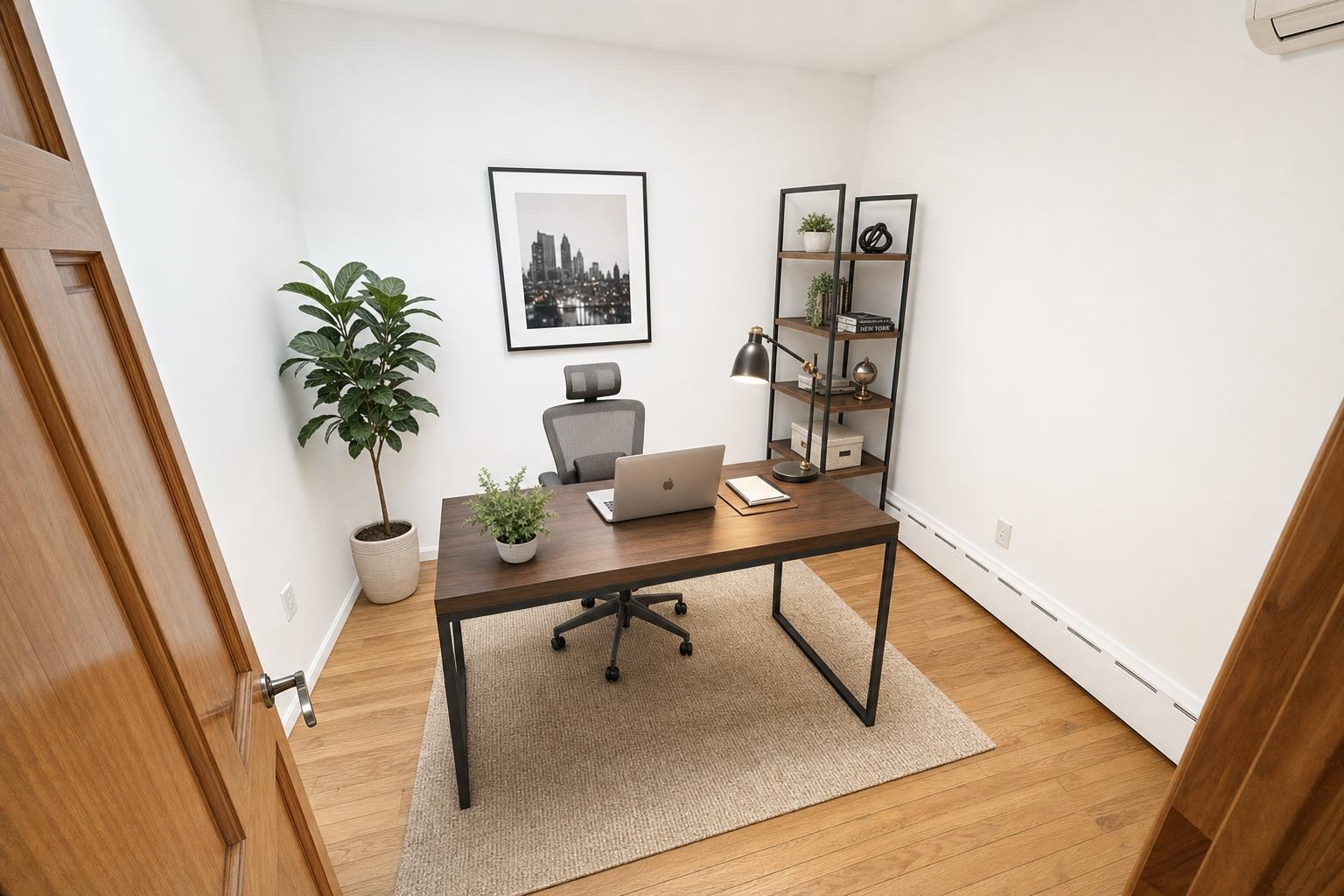
 after · staged
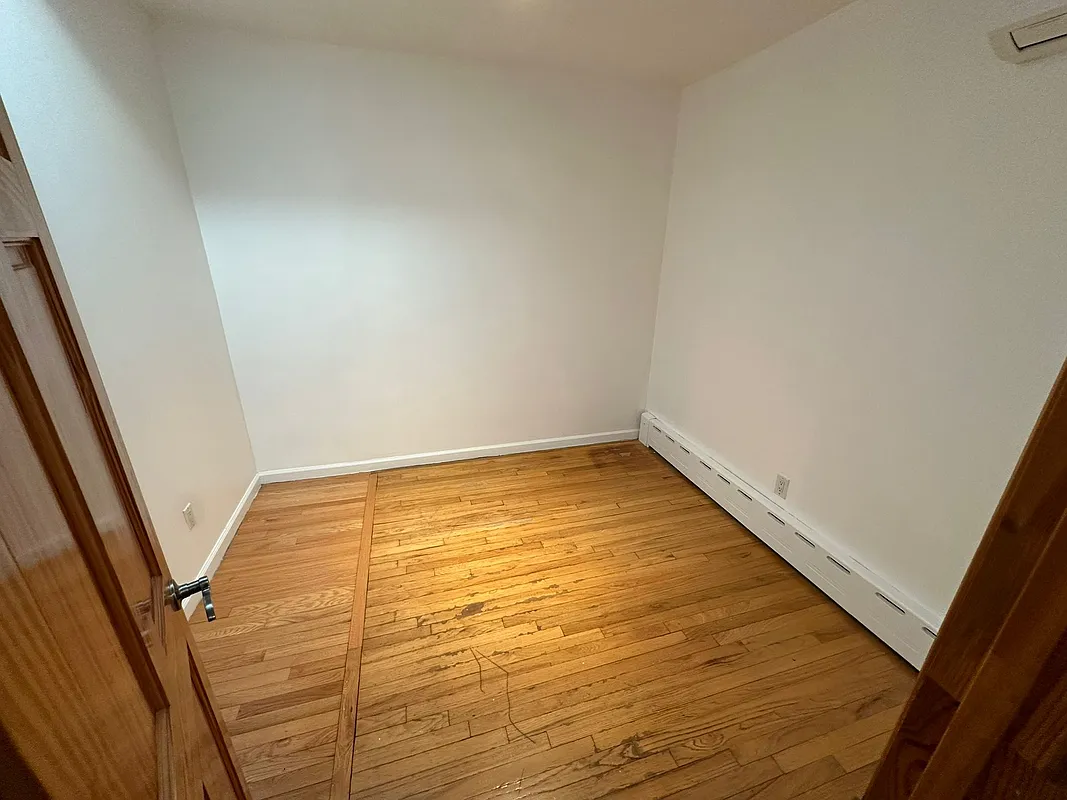
before
after · staged
before
The short version
On Zillow your photos are the listing. The cover is the thumbnail in search, in saved-home lists and in the email alerts blasted to everyone watching the zip code, so it carries more weight than any other image. Order the rest like a walkthrough and keep the whole set consistent.
On Zillow, the photos are the listing. A buyer scrolling search results sees a thumbnail, a price, and a few words — and decides in a second whether to click. Once they're in, they swipe the gallery before they ever read your description. By the time they reach the agent remarks, they've already made up their mind about whether this is a home worth a showing. That means your photo set is doing the selling, and the order and quality of those images matter as much as the rooms themselves.
The cover photo is the whole ballgame
Your cover photo is the thumbnail that shows up in search results, in saved-home lists, and in the email alerts Zillow blasts to every buyer watching that zip code. It's the single most important decision you'll make about the listing, because it determines whether anyone clicks at all. A great interior is wasted if nobody opens the page.
For most homes the cover should be one of two things:
- The front exterior — if the curb appeal is strong. Buyers orient by the outside of the house, and a clean, bright facade with good light reads as "well-kept." See our notes on shooting the exterior.
- The best-looking main room — a bright, staged living room or kitchen — if the exterior is weak, the home is a condo, or the weather wouldn't cooperate.
Whatever you choose, it should be your most polished, best-lit, and most representative shot. Never lead with a bathroom, a closet, a hallway, or an empty echoey room. Those are how you lose the click.
Order the photos like a walkthrough
Buyers want to feel like they're moving through the home, not flipping through a shuffled deck. Sequence the gallery the way you'd actually tour the house — it keeps people swiping instead of bailing halfway. A reliable order:
- Exterior front — set the scene.
- Main living spaces — living room, great room, dining.
- Kitchen — usually the highest-stakes room; give it two or three angles.
- Primary bedroom, then secondary bedrooms.
- Bathrooms — primary bath first.
- Outdoor spaces — backyard, patio, deck, pool.
- Bonus features — finished basement, home office, garage, view shots, neighborhood amenities.
The principle is simple: front-load your strongest images so the first handful of swipes are all wins, then taper into the supporting cast. If your second photo is a laundry room, you've already lost momentum.
Quality: high-resolution, landscape, and honest
Zillow displays listing photos large, so crisp, well-exposed source files matter. Its current photo-upload guidance recommends 2048 × 1536 pixels for home-detail photos, accepts a minimum of 1024 × 768, and limits each upload to 25MB. Treat those as upload targets, then confirm the stricter rules of the MLS or feed that supplies your listing.
| Check | Practical target | Why |
|---|---|---|
| Dimensions | 2048 × 1536 or larger source | Leaves detail after portal processing |
| Orientation | Landscape | Fits listing galleries and thumbnails |
| File | Original-quality JPEG or PNG under 25MB | Avoids an extra low-quality export |
| Consistency | One ratio and one edit style | Keeps the gallery from jumping between frames |
A few hard rules:
- Shoot horizontal (landscape). Zillow's gallery and thumbnails are built for wide frames. Vertical phone shots get cropped or letterboxed and look amateur next to the pro listings.
- Use high resolution. Upload the largest, sharpest version you have. Soft, low-res, or heavily compressed photos read as a low-effort listing.
- Go easy on filters. Skip the heavy HDR halos, the crushed shadows, and the oversaturated grass. Buyers trust photos that look like the room; they get suspicious — and disappointed at the showing — when reality doesn't match.
How many shots total? Enough to cover every room without padding. We break the numbers down in how many photos a listing should have.
Keep the set consistent
Nothing screams "shot on three different phones over two weeks" like a gallery that lurches from warm to cold and bright to dim. A consistent set looks professional even when the individual rooms are ordinary. Aim for:
- Even brightness across photos — no one room dramatically darker than the next.
- Consistent white balance — don't let one room go orange and the next go blue.
- A steady, level horizon — straight verticals, no tilted walls.
This is exactly where an AI tool earns its keep. Stylst brightens, declutters, and stages each photo to the same warm, even standard, so the whole set looks like it came from one shoot — about 30 seconds per photo, around $1 each, with the real layout of the room kept intact. It's on Google Play, and there's no subscription required.
If you stage a photo, say so.
Virtually staged images need to be disclosed so buyers are not misled about what is physically in the home. Zillow's July 2026 position on AI-generated listing photos favors clear labels and, where possible, pairing a materially altered image with the original. Our disclosure guide shows how to apply that principle in the listing.
A quick pre-publish checklist
For a room-by-room version you can carry through the shoot, print the free listing photo field guide.
- Cover photo is your single strongest image — exterior or best main room.
- First five photos are all winners, no filler.
- Gallery flows like a walkthrough, room by room.
- Every shot is horizontal and high-resolution.
- Brightness and color are consistent across the set.
- No bathroom, closet, or empty room in the opening slot.
- Staged photos are labeled.
Get those right and your Zillow listing does the hard part on its own: it stops the scroll, earns the click, and keeps the buyer swiping all the way to "schedule a tour." If you're selling without an agent, the same logic drives our FSBO photo playbook — the photos carry even more weight when there's no broker network behind the listing.
Questions people actually ask
How important is the Zillow cover photo?
It is the single highest-leverage image you have. It appears in search results, in saved-home lists, and in the email alerts Zillow sends to every buyer watching that zip code, which means it gets seen far more often than the listing itself does. Everything else confirms a decision it started.
What order should Zillow photos be in?
Like a walkthrough, so a buyer feels they are moving through the home rather than flipping a shuffled deck. Exterior, entry, main living space, kitchen, dining, bedrooms, bathrooms, then outdoor space. A shuffled gallery makes the house harder to understand and buyers stop swiping.
What quality do Zillow photos need?
High resolution and landscape, because Zillow displays large and rewards crisp well-exposed images. Consistency matters as much as any single frame: a gallery that lurches from warm to cold and bright to dim announces that it was shot on three phones over two weeks.