Photo Rules: Tell the AI Once, Not on Every Photo
"Never add plants." Say it one time, and every photo you generate from then on obeys it. Here's what a rule can do — and what it honestly can't.
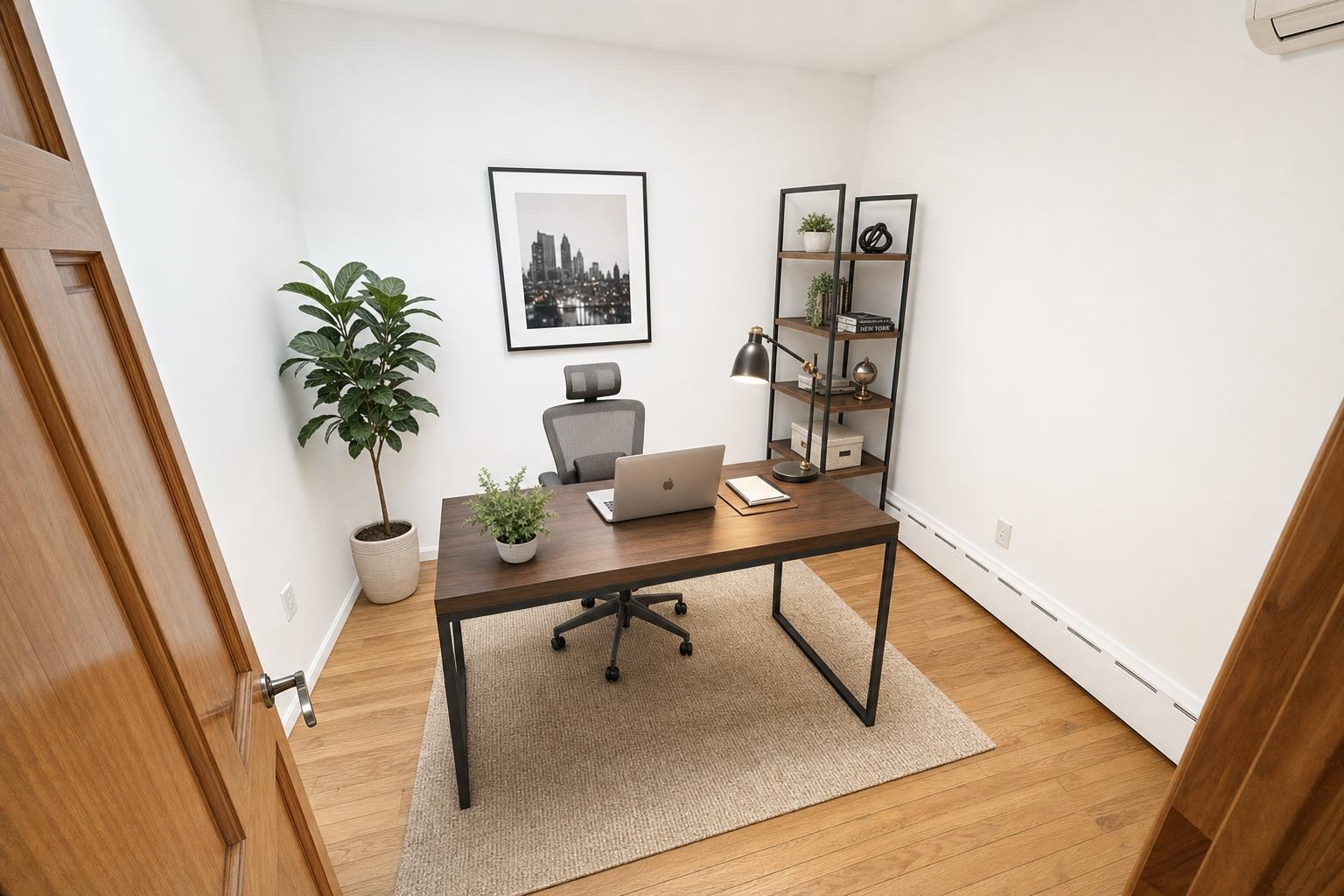
 after · staged
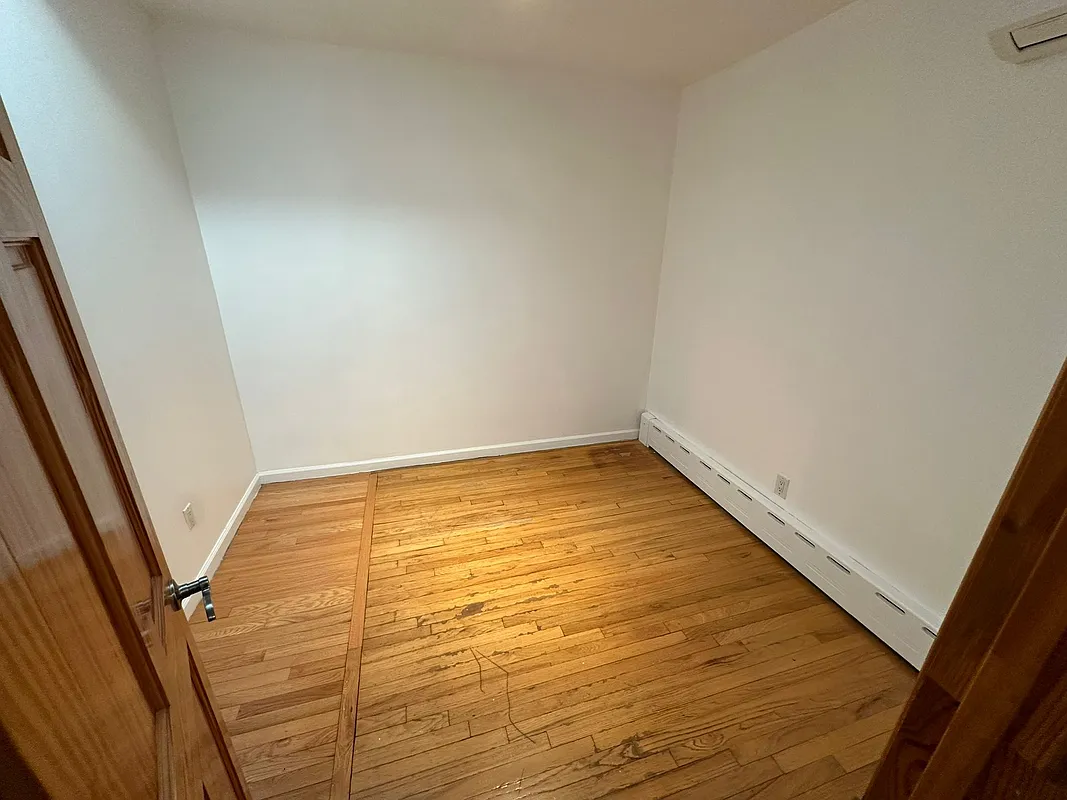
before
after · staged
before
The short version
A photo rule is a plain-English instruction saved to your account, so never add plants gets said once and every photo afterwards obeys it. The rules that work best are short, about styling choices, and specific. The honest limits are that a rule cannot change what a tool does or remove something real from your photo.
Every AI staging tool has a house style, and every house style has a tell. The fiddle-leaf fig in the corner. The abstract triptych over the sofa. The bowl of decorative spheres on the coffee table. If those bother you, you get to fight about them on every single photo — re-running, cropping, or just holding your nose and uploading it.
That's a dumb way to work. So Stylst lets you write the fight down once.
What a photo rule is
A photo rule is a plain-English instruction saved to your account. Not to one photo. To all of them.
You type something like "never add plants" or "keep window treatments simple, no heavy drapes", save it, and it gets applied to every generation you run from then on — every tool, every room type, every style, on the phone app and on the web. You never think about it again. Change it whenever you like; the next photo picks up the change.
As far as we know, nobody else does this. Other tools let you write a prompt per photo, which means you either paste the same sentence forty times a week or you give up and accept the plants. A rule is the difference between a preference and a preference you actually get.
Rules that work
The best rules are short, negative or preservative, and about styling choices — the discretionary stuff the model was going to guess at anyway:
- "Never add plants." The original. The most requested rule we have.
- "No abstract wall art. Framed photography or nothing."
- "Always keep the ceiling fan." Useful in markets where the fan is a feature, not an eyesore.
- "Keep surfaces bare — no books, bowls, or trays on coffee tables and counters."
- "Neutral palette only. No coloured accent cushions."
- "Don't add a rug on hardwood." Because the hardwood is the selling point.
- "Minimal furniture. Enough to show scale, nothing more."
Notice what all of those have in common: they steer taste. They don't ask the model to change the room.
Rules that don't work — and why
A rule is not a magic wand, and the honest thing to do is tell you exactly where it stops.
- A rule can't remove something that's really there. "Delete the radiator." "Get rid of the water stain on the ceiling." Staging adds furniture to a room; it doesn't erase the room. Declutter removes clutter — the laundry basket, the mail on the counter — not built-ins, not fixtures, and never a defect. Which is also the point: a listing photo that quietly deletes a problem is the kind of photo that causes trouble later. See is virtual staging legal?
- A rule can't override the tool you picked. "Add a sectional and a coffee table" does nothing if you're running Enhance, because Enhance is a professional edit that adds and removes nothing, by design. If you want furniture, pick Stage. The tool is the bigger decision; the rule refines it.
- A rule is a bad place to put a style. "Make it look coastal" belongs in the style picker, where it's a first-class control with a whole design vocabulary behind it. Rules are for the things the style picker doesn't cover. The styles are here.
- A rule shouldn't contradict the room type. If you've told it "bedroom" and the rule says "add a dining table", you've written a contradiction, and contradictions are the single most reliable way to get a weird photo back.
- Long rules dilute. It's a couple of sentences, not a design brief. Three sharp instructions beat a paragraph of hedging every time.
A rule is guidance, not a guarantee.
It's a strong instruction to an image model, and it lands the overwhelming majority of the time — but it isn't a hard constraint, and we're not going to pretend otherwise. If a rule you wrote gets ignored, rate the photo and tell us what happened. That rating goes straight to a human, and it's covered by the guarantee: tell us within 24 hours and we'll re-run it free with your feedback. Nobody else is honest about this part, which is exactly why we are.
Rule sets worth stealing
Listing agent, mid-market: "Never add plants. Neutral palette. Minimal decor on surfaces. Don't cover the flooring with large rugs."
Short-term rental host: "Keep it simple and durable. No fragile glass decor. No wall art above the bed." (Guests notice when the photo promises styling the place doesn't have — the hosts guide gets into why that backfires.)
Contractor showing finished work: "Minimal furniture — the room is the point. Never block the new cabinetry or tile with decor."
Anyone who hates AI tells: "No abstract art. No decorative spheres. No oversized indoor trees." That one rule kills most of the giveaways discussed in does AI virtual staging look fake?
Where to set it
On the web, sign in and open Settings — the photo rules box is right there, and it saves instantly. In the phone app it's Settings → Photo rules. Either way it applies to everything you generate afterwards, on both surfaces, because it lives with your account and not with your device.
Clear the box and it's gone. There's no plan, no upgrade, and no charge for having one — rules don't cost credits, they just change what your credits buy you.
Where Stylst lands
Stylst is $1 a photo, pay-as-you-go, no subscription — a staged, listing-ready image in about 30 seconds, from a phone or a browser. How it works explains the pipeline; the tools are Stage, Enhance, Declutter, Day-to-Dusk, and Renovation Preview. Photo rules ride on top of all of them, for free, forever.
It's a small feature. It's also the one people tell us they didn't know they wanted until the third photo came back with a plant in it.
The bottom line
You shouldn't have to negotiate with a tool you're paying for. Write down the thing you always want, and the thing you never want, once — then let the tool remember it. Keep the rules short, keep them about styling rather than physics, don't ask them to override the tool or hide a flaw, and the fortieth photo will come back looking like the one you liked.
Questions people actually ask
What kinds of photo rules actually work?
Short, specific ones about styling choices the tool was going to guess at anyway. Never add plants, no wall art, keep the palette neutral, no patterned rugs. These work because they constrain a discretionary decision. Saying make it look expensive gives the model nothing concrete to act on.
What can a photo rule not do?
It cannot change what the tool fundamentally does, so a no furniture rule on a staging request is contradictory. It cannot remove something that genuinely exists in your photo, because that would be editing the property rather than styling the render. And it is strong guidance to an image model rather than a hard guarantee.
Where do I set a photo rule?
In Settings on the web app, where the photo rules box saves instantly, and in Settings on the iPhone and Android apps. Rules apply from the next photo onward, work per room as well as globally, and cost nothing. If you have never set one, the model is making every styling decision for you.