How Long Does Virtual Staging Take?
The 24-to-48-hour shops versus about 30 seconds. The interesting part isn't the gap — it's what the wait costs you on the calendar.
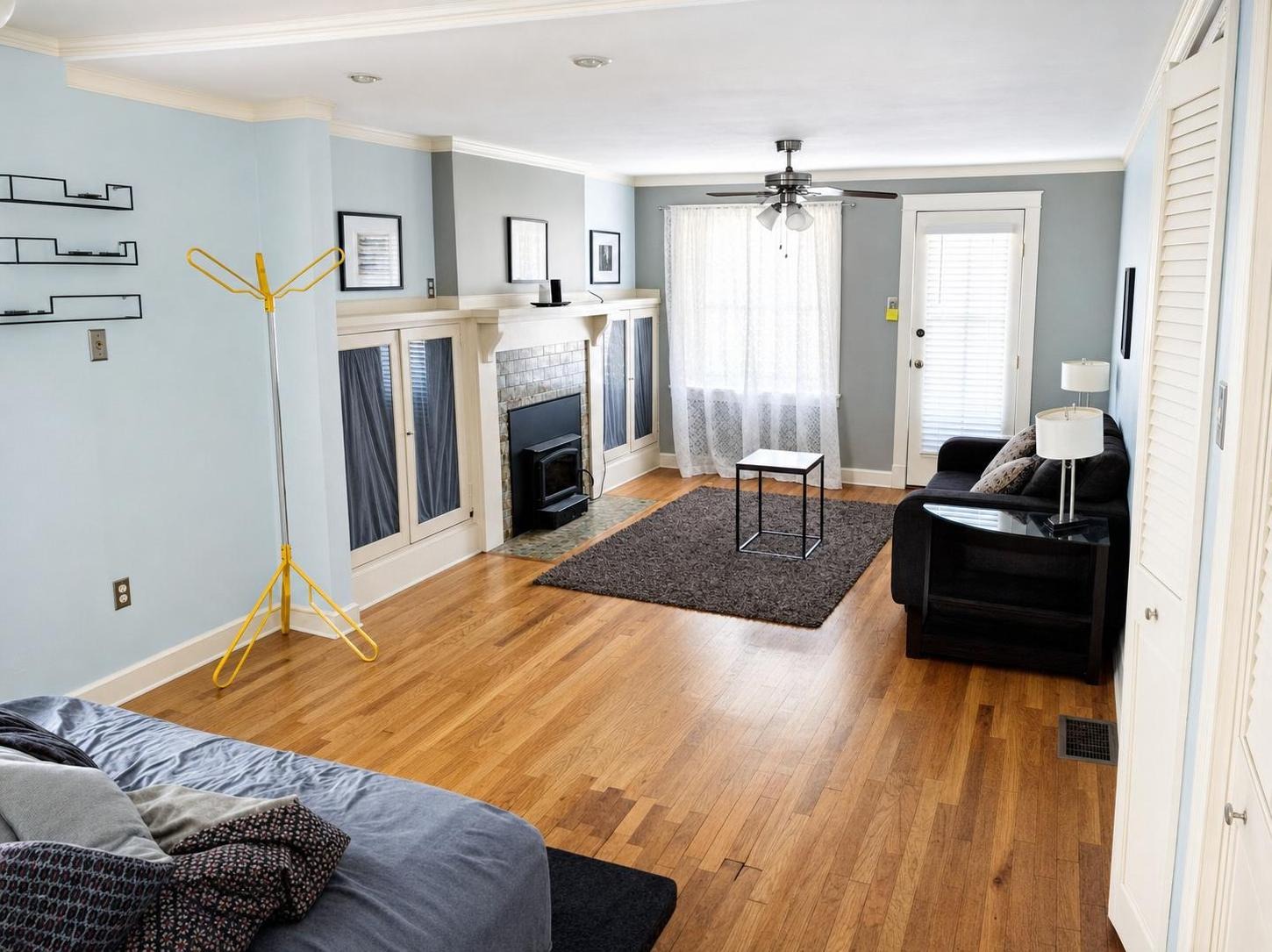
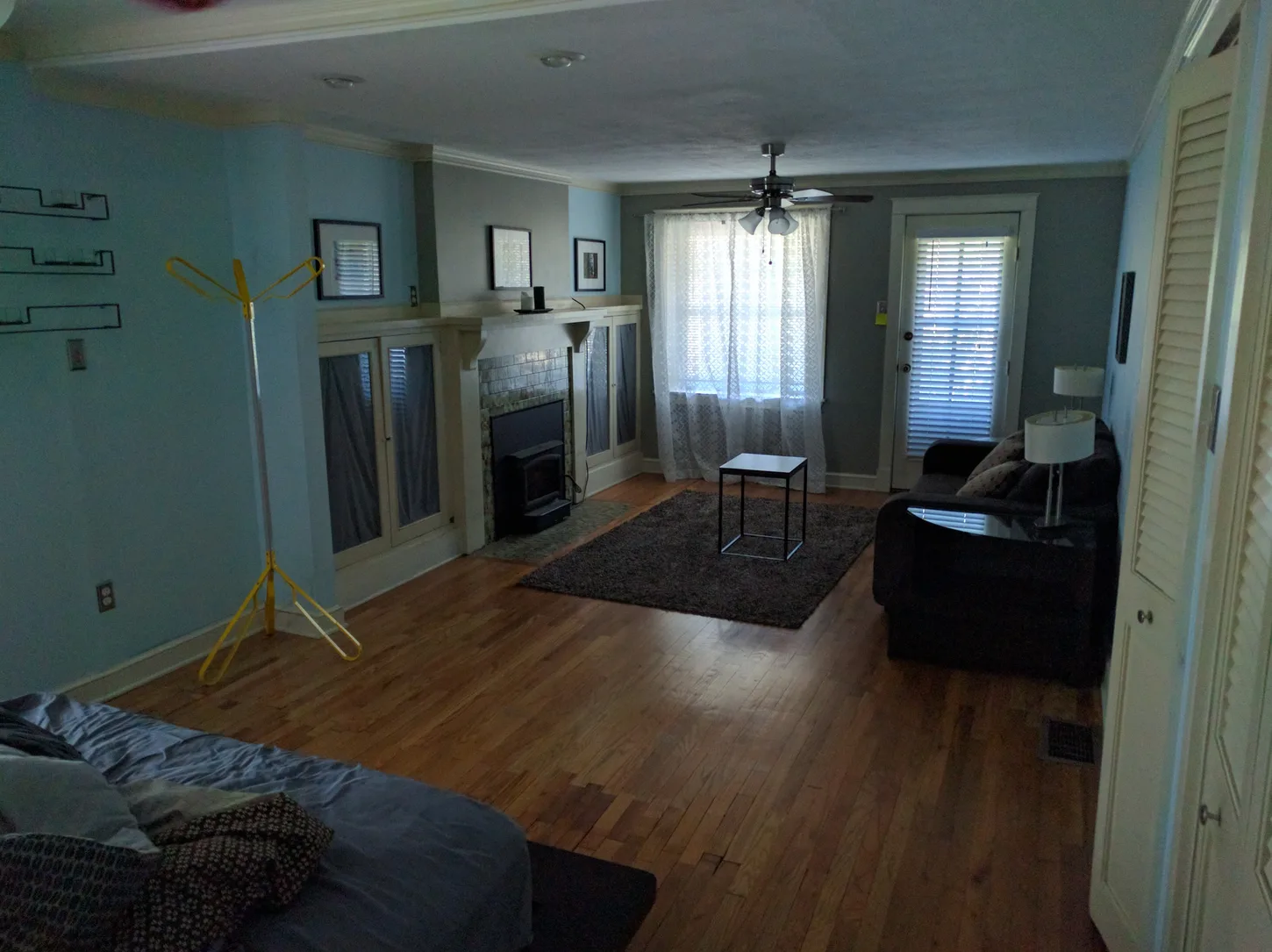 after · enhanced
before
after · enhanced
before
The short version
The interesting part is not the gap between 24-to-48 hours and about 30 seconds, it is what the wait costs you on the calendar. The two days do not go into the work, they go into a queue. When staging stops being a dependency, the order of your whole week changes.
Measured before rollout: three matched Sunburst edits averaged 31 seconds on September 8, 2026. That small launch sample supports “about 30 seconds”; production events will continue recording the actual duration and billed token cost of every generation.
Traditional virtual staging takes 24 to 48 hours. That's the standard quote from the human-in-the-loop shops: you upload your photos, a designer somewhere puts them in a queue, and they come back the next business day or the one after. A revision costs another round. Weekends don't count. AI virtual staging takes about 30 seconds per photo — you upload it, wait roughly as long as it takes to make coffee, and download it. Stylst is the second kind: about 30 seconds, $1 a photo, from a browser or your phone, no subscription required.
That's the answer. The rest of this is about what the wait actually costs, because "48 hours" sounds like nothing right up until you put it on a calendar.
Put the wait on a calendar
Here's the version that actually happens, and every agent reading this has lived it.
You shoot the house Thursday afternoon. You get home, cull the frames, and send eight of them off Thursday night — after hours, which means the clock doesn't really start until Friday morning. Best case, they land back in your inbox Friday evening, and one of them is wrong: the sofa is enormous, or there's a plant swallowing the window you shot the room for. So you send the revision note.
The shop is closed Saturday. It's closed Sunday. Your note gets read Monday morning, goes back into the queue behind everyone else's weekend backlog, and the fixed photo shows up Monday evening. You write the listing that night and it goes live Tuesday.
Look at what just happened. The house was photograph-ready on Thursday and the listing went live on Tuesday — into the deadest stretch of the week — and you missed the weekend entirely.
The first weekend is the one that matters. That's when the saved-search alerts fire into inboxes people are actually reading, when the buyer who's been looking for four months finally has two free hours, when the showings get booked. A listing that goes live Tuesday gets discovered as a five-day-old listing, and a five-day-old listing with no showings is already telling a story about itself. Four calendar days of staging turnaround cost you the launch.
Where the 24 to 48 hours actually goes
Not into the work. That's the part people get wrong.
The actual staging of one photo, by a competent designer in Photoshop or a 3D tool, is not a two-day job. The two days are almost entirely queue. Your photo sits behind other people's photos. Then it gets assigned, worked, checked by someone else, packaged, and emailed. Then, if you don't like it, the whole loop runs again from the back of the line — and a second revision runs it a third time.
Add the business-day boundary and you get the real math: the wait isn't the work, it's the wait for the work, multiplied by however many people are ahead of you and whatever day of the week it happens to be. Rush fees exist precisely because the bottleneck is the queue, and money is how you skip it. Nobody charges a rush fee to make Photoshop go faster.
Where the about 30 seconds actually goes
Being honest about our side of it, because the stopwatch only tells part of the story:
- The model call is nearly all of it. Upload, prompt assembly, the image model doing its work, and the result coming back. That's the about 30 seconds. It doesn't get faster if you pay more, and it doesn't get slower on a Sunday, because there's no queue and no human in it.
- You get back what you sent. The photo comes back in the same aspect ratio you uploaded — 9:16 in, 9:16 out — so the before and after line up in the slider and the download matches the shot you took. A portrait phone photo gets re-oriented correctly before staging, rather than staged sideways.
- A rule violation can add a re-run. If you've saved a photo rule with a prohibition in it — "never add plants" — we look at the finished photo and check whether the plant is there anyway. If it is, we run it again, naming the violation. That second run can add about 30 seconds and it costs you nothing: it's on us, never a second credit. Users with no rules never trigger it and never wait for it.
Call it about 30 seconds, occasionally longer when a check triggers a corrective render. Either way it fits inside the drive home from the shoot.
Be fair to the 48-hour shops
They're slow for a reason, and the reason is sometimes worth it.
A revision round with a real designer is a conversation. You can say "the scale of that sectional is wrong for the room, it's a 12-foot wall, drop it to a loveseat and shift the rug left" and a person will understand you and do exactly that. A model won't hold that whole instruction with that precision. If a photo has to be exactly a particular thing — an unusual room, an architectural feature you need handled a specific way, a hero shot for a listing where the stakes justify the fuss — a human in the loop can get there, and that is a real trade you're making when you choose speed.
What you should notice is how rarely that's the actual situation. Most listing photos are a bedroom that needs to not look like a storage unit. For those, the human queue is buying you very little and charging you two days for it. The comparison in detail: BoxBrownie alternative: AI staging in about 30 seconds.
Fast is only worth something if it's right.
Speed isn't a feature on its own — a bad photo delivered in about 30 seconds is still a bad photo. What speed actually buys you is a cheap mistake. When a staged photo comes back wrong, the cost of that miss is about 30 seconds and a re-run, not two days and an email thread. You look at it, change the style or the room type or write a rule, run it again, and move on with your afternoon. That's the whole argument. And if it still misses: tell us within 24 hours and we'll re-run it free with your feedback — and if it still misses, we'll credit you back.
What same-day actually unlocks
When staging stops being a dependency, the sequence of your week changes.
You shoot Thursday. You stage the set Thursday night — on the web you can drop a whole listing into a batch and let the queue chew through it while you write the description. You look at all of them together, re-run the two that missed, and the listing goes live Friday morning, in front of the weekend, in front of the saved searches. The photos were never the thing holding it up.
It also changes what you're willing to try. When each photo is $1 and about 30 seconds, you'll stage the same living room in Modern and in Farmhouse and pick the better one. You'll run Day-to-Dusk on the exterior just to see. You'll re-shoot and re-stage a listing that's gone stale instead of talking yourself out of it because the staging bill and the two-day wait made it not worth the bother. Cheap and fast don't just compress the old workflow — they let you do things you'd never have queued up at $25 a photo and 48 hours a round. The full price comparison is in what agents actually pay per photo.
And the phone matters here more than it sounds. The apps stage from the camera roll on the spot, which means the honest answer to "when will the photos be ready" can be "they already are" while you're still standing in the driveway. Staging from your phone is the version of this that ends the turnaround question entirely.
The things that will actually slow you down
Not the model. These:
- Bad source photos. A dark, blurry, crooked shot produces a dark, blurry, crooked staged shot, and then you re-run it, spending more time and another credit to learn something a second of looking would have told you. Open the curtains, hold the phone level, take the picture.
- The wrong room type. Pick "Home exterior" on a bathroom and the model will invent a house. We catch the obvious contradictions before charging you and offer a one-tap switch, but the fastest path is still selecting the right thing the first time.
- Deciding. Six styles, five tools. The staging is about 30 seconds; the dithering is forty. Pick Modern, look at it, adjust.
Questions people actually ask
How long does virtual staging take?
AI virtual staging takes about 30 seconds per photo, while traditional virtual staging services quote 24 to 48 hours. Stylst returns a staged photo in about 30 seconds, from a browser or the phone app, for $1 a photo.
Why do traditional virtual staging services take 24 to 48 hours?
Because a human being does the work, and that human has a queue. Your photo waits its turn, gets staged by a designer, gets checked, and comes back on the next business day — and a revision request puts you back in the queue for another round.
Is same-day virtual staging possible?
Yes — with AI staging, same-day is the normal case, not a rush option. A full set of listing photos runs in the time it takes to drive home from the shoot, and there is no rush fee because there is no queue to jump.
Does a faster turnaround mean a worse photo?
It means a cheaper mistake. A 30-second photo that misses gets re-run in about 30 seconds; a two-day photo that misses costs you two more days. If a Stylst photo still misses, tell us within 24 hours and we'll re-run it free with your feedback — and if it still misses, we'll credit you back.
The bottom line
The turnaround number people quote — 24 hours, 48 hours — isn't the cost. The cost is the weekend you launch into, and the revision round that pushes you past it. About 30 seconds a photo takes staging off the critical path entirely: you shoot Thursday and you're live Friday, with the misses already re-run. If you want to see it on your own photo before you decide anything, the first one on the web is free — watermarked until you buy, with nothing to redo after purchase.