Free Virtual Staging: What You Actually Get in 2026
"Free" virtual staging exists — with watermarks, limits, and catches. Here's the honest breakdown, and what listing-ready staging really costs.
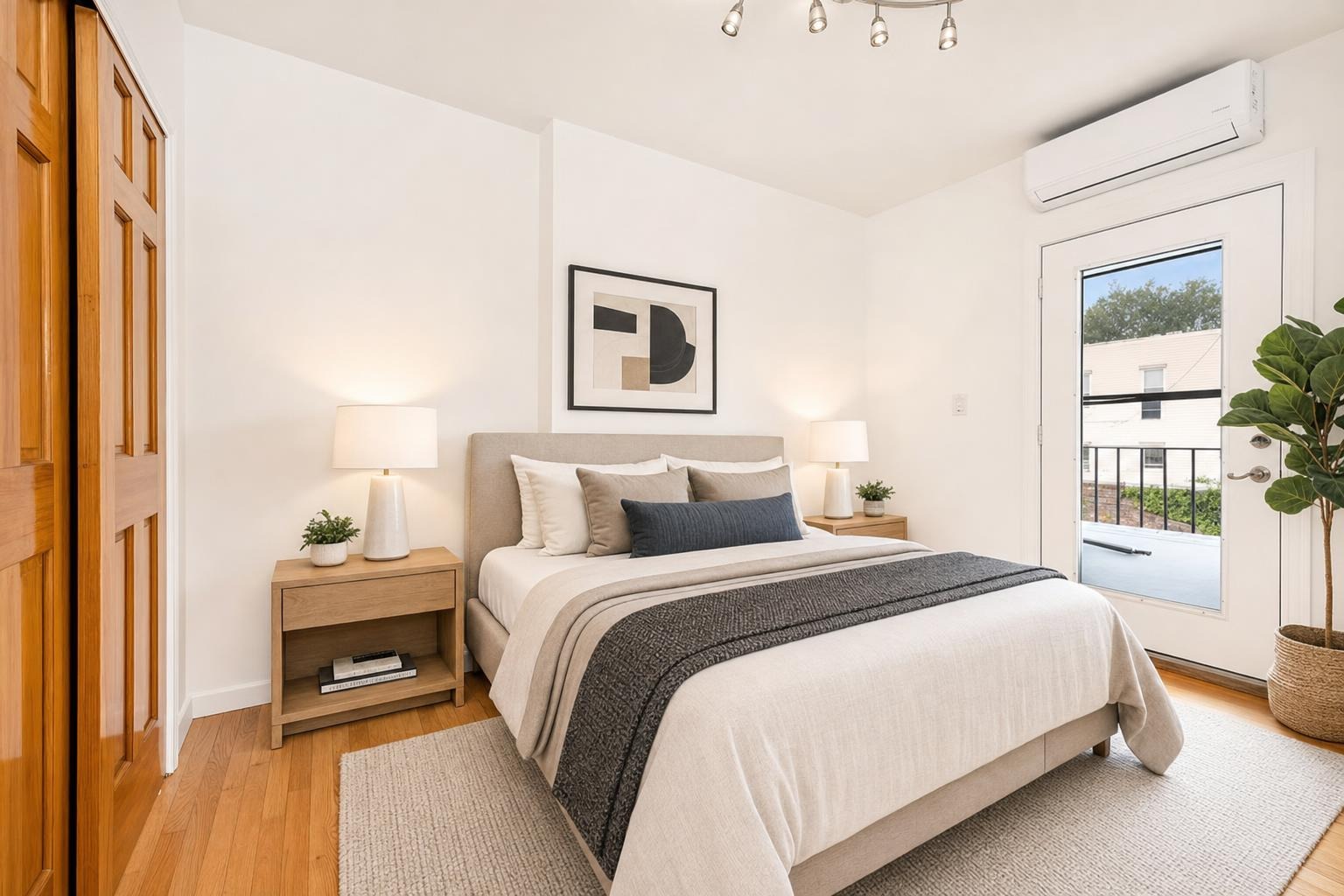
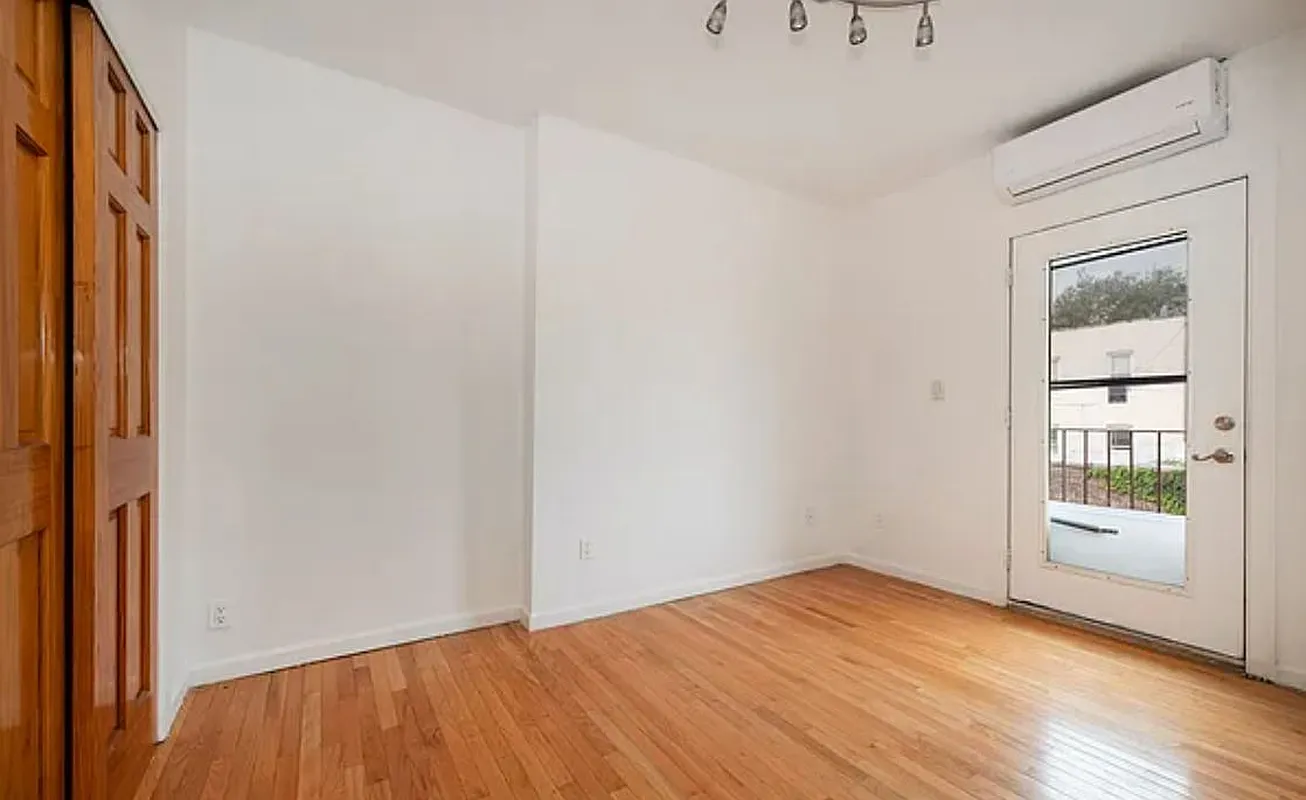 after · staged
before
after · staged
before
The short version
Free virtual staging is real, and it comes in four shapes: a watermarked preview, a trial credit, a limited free tier, or doing it yourself. The catch is not that they are scams, it is that good enough to preview and good enough to put on the MLS are different bars.
If you searched "free virtual staging," you're asking a fair question: staging a photo is just software moving pixels around, so why pay for it? The honest answer is that free virtual staging does exist — but "free" almost always comes with a watermark, a resolution cap, a style limit, or a sign-up wall that turns into a paywall the moment you want the actual file. This is a straight look at what each kind of "free" really gets you, where it falls apart for a real listing, and why the practical floor for a clean, usable staged photo is about a dollar.
The four kinds of "free"
When a tool says "free," it's usually one of these four things — and they're not equal:
- Free watermarked preview. Many AI tools let you stage a room for free and show you the result — with a big logo stamped across it. You can see the quality, but you can't use the image until you pay.
- Free trial or first-edit-free. One free image (or a few days of access), then a subscription or per-image charge kicks in. Fine for a single photo, not a workflow.
- Free tier with limits. A handful of images a month, a small style catalog, lower resolution, or a queue that puts free users last. Enough to test, rarely enough to list.
- Truly free: do it yourself. Free image editors and free 3D furniture models. No cost but your time — and staging one room convincingly by hand can take an afternoon.
Where free falls apart on a real listing
The catch isn't that free tools are scams — it's that "good enough to preview" and "good enough to put on the MLS" are different bars. The gaps that show up:
- Watermarks. A logo across the sofa is an instant no for a live listing. Removing it means paying.
- Resolution. Free tiers often hand back a small or compressed image that looks soft next to the rest of your gallery.
- Style and room limits. Two styles and no exterior mode won't cover a whole listing.
- Realism. The cheapest engines are the ones that float furniture and warp windows — the tells that make AI staging look fake.
- Disclosure still applies. Free or paid, most MLSs require you to label a staged photo. Free doesn't exempt you — see the disclosure rules.
The real cost of "free."
A free watermarked image you can't use, an afternoon spent hand-editing one room, or a subscription you forgot to cancel — free virtual staging usually costs something, it just isn't always dollars. Count the time and the upsell before you count it as free.
What listing-ready staging actually costs
Here's the number that matters: a clean, unwatermarked, full-resolution staged photo — the kind you'd actually put on Zillow — starts at about $1 a photo from pay-as-you-go apps, and climbs to $25–$100 for human-editor studios. A dollar is the practical floor, and it buys you out of every "free" catch above: no watermark, full resolution, real style range, and a result in about 30 seconds. We break the whole range down in the virtual staging cost guide.
That's where Stylst sits. It's not free — it's pay-as-you-go at roughly a dollar a photo, with no subscription required and credits that stay valid while you use Stylst. You buy a small pack, stage what you need, and you're not funding a monthly plan between listings. For the cost of a couple of coffees you can stage an entire vacant home, watermark-free.
How to spend the least and still list well
If the goal is minimum spend for a maximum result, do this:
- Stage only the hero shots. The living room, primary bedroom, and kitchen do most of the click work. You don't need to stage every closet.
- Pick pay-as-you-go over a subscription unless you list constantly — a monthly plan charges you in the quiet months too.
- Shoot a clean, level photo first. Better input means fewer redos, and fewer redos means fewer credits. See how to photograph a room.
- Declutter before you stage so the tool has a clean canvas to work with.
The bottom line
You can absolutely find free virtual staging — a watermarked preview, a trial credit, a limited free tier, or a DIY afternoon. What you can't reliably find for free is a clean, full-resolution, listing-ready photo, because that's the part every free tool holds back until you pay. The good news is the paid floor is genuinely low: about a dollar buys you out of the watermark and into a photo you can actually use. Compare your options in the best AI staging apps guide, or stage a photo and see the quality for yourself.
Questions people actually ask
Is there genuinely free virtual staging?
Yes, in four forms: a watermarked preview of your own photo, a small number of free trial credits, a permanently limited free tier, or DIY with general image tools and an afternoon. All four are real. What none of them reliably give you is a clean, full-resolution, unwatermarked image ready to upload.
What is the catch with free virtual staging?
Usually resolution, a watermark, or a limit you hit on your second room. A preview is enough to decide whether staging helps a listing. It is not enough to publish, because a portal image needs to be full size and unmarked. The free tier is a sample, and it is honest as long as it says so.
What does listing-ready virtual staging actually cost?
A clean, unwatermarked, full-resolution staged photo starts around a dollar from pay-as-you-go apps and climbs to twenty-five to a hundred dollars a room at human editing studios. For a normal vacant listing that means the whole set costs less than lunch at the low end.