HDR Real Estate Photography Explained
Why the windows blow out white and the room goes dark — and the technique that fixes both in one shot.
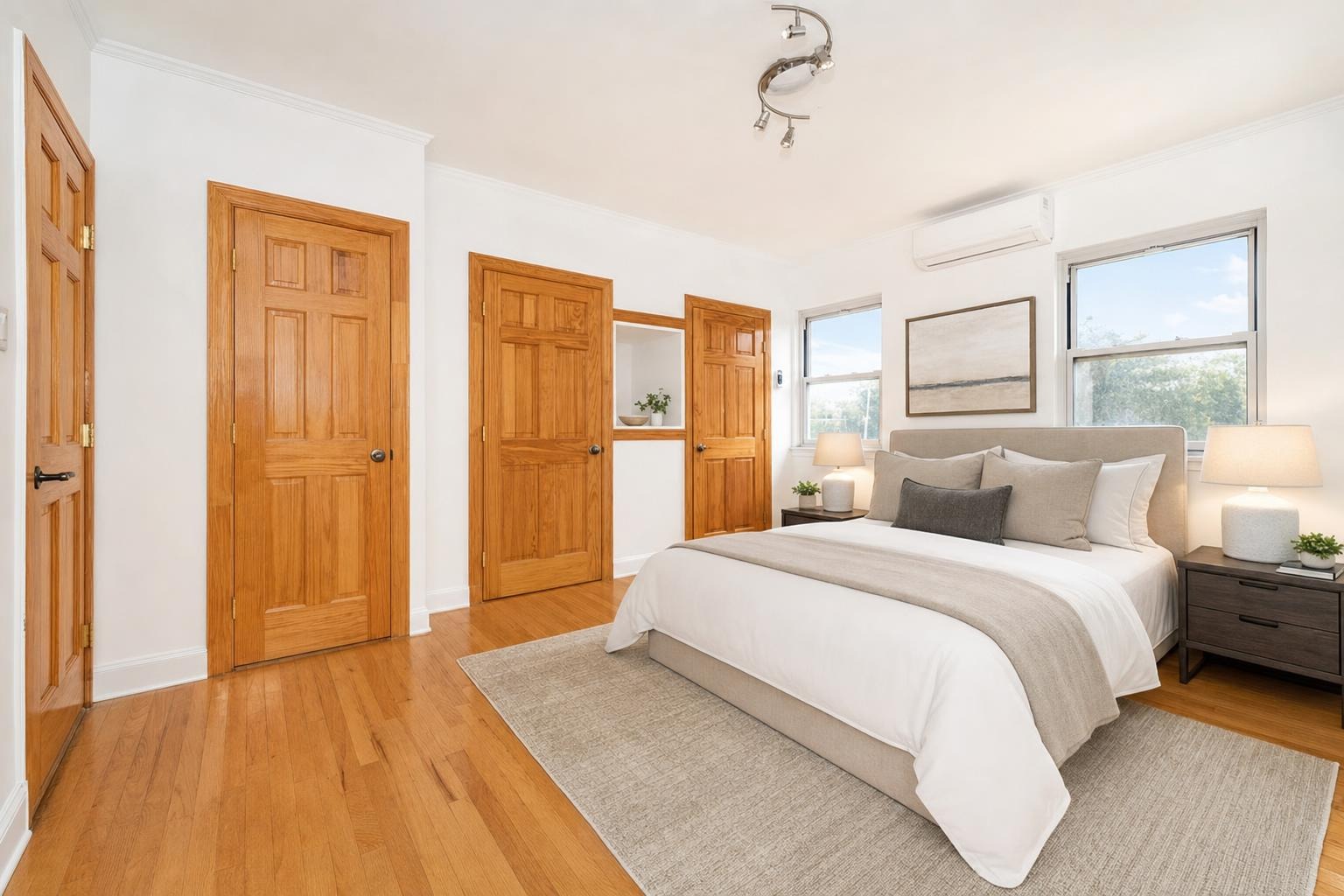
 after · staged
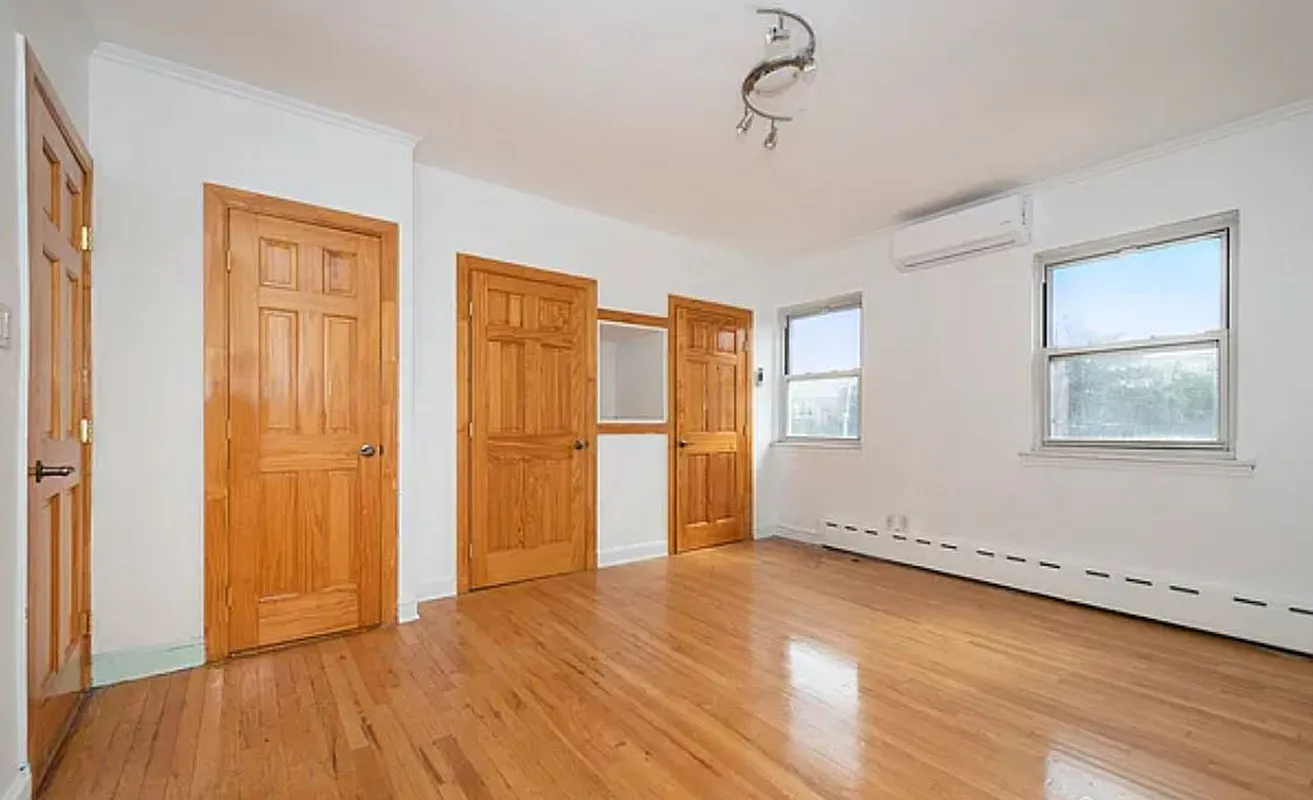
before
after · staged
before
The short version
HDR fixes the classic interior problem where the window blows out white or the room goes dark, by combining several exposures so both survive. Your phone already does it. The trap is overdoing it, because the halos and grey skies of heavy HDR are one of the loudest amateur tells.
You've seen the problem even if you didn't have a name for it. You point your phone at a nice room with a big window, tap the shutter, and get one of two bad results: either the room looks right but the window is a blinding white rectangle, or the window looks right but the whole room is dim and murky. That's a dynamic-range problem — the difference between the brightest and darkest parts of the scene is wider than the camera can capture in a single exposure. HDR is the technique that solves it.
What HDR actually is
HDR stands for High Dynamic Range. Instead of one exposure, the camera takes several of the same frame at different brightness levels — one exposed for the dark interior, one for the mid-tones, one for the bright window — and merges them into a single image where everything is properly exposed. The result is what your eye actually sees when you stand in the room: a bright, even space where you can see the furniture and the trees out the window at the same time.
This is why real estate photography leans on HDR so heavily. Interiors almost always mix dim rooms with bright windows, and HDR is the cleanest way to hold both.
When you need it
Not every shot needs HDR. Reach for it when the scene has a wide range of brightness:
- Rooms with windows in frame — the classic case; the window is far brighter than the walls.
- Interiors with mixed light — a sunlit patch on the floor next to a shadowed corner.
- Rooms you want to shoot toward a view — where you need both the room and what's outside.
For an evenly lit room with no windows in frame, a single well-exposed shot is fine and often looks more natural. HDR is a tool for high-contrast scenes, not a default for everything.
How to shoot HDR on a phone
You don't need a DSLR and bracketing software. Modern phones do HDR automatically, and it's usually good:
- Turn HDR on (or leave it on Auto) in your camera settings. Most phones apply it by default now.
- Hold steady. HDR combines several frames, so any wobble causes ghosting. Brace against a wall, a counter, or use a small tripod. See our phone-only room photography guide.
- Tap to set exposure on a mid-tone — a wall or the floor, not the bright window and not the dark corner — to give the camera a sensible starting point.
- Turn on the room lights and open the blinds so the camera has less range to reconcile in the first place. Good light beats aggressive processing every time.
The trap: over-processed HDR
HDR done badly is worse than no HDR at all, and it's one of the most common tells of an amateur listing. The signature failures:
- Glowing halos around window frames and light fixtures, where the merge went too far.
- Grey, flat, lifeless tones — the whole image loses contrast and looks like a video game.
- Oversaturated, cartoonish colors — neon grass, orange wood, unnatural skies.
The fix is restraint. Good HDR is invisible — the photo just looks like a bright, natural room that happens to have a clear window. If your images have halos and that hyper-real glow, dial the effect back. This is one of the mistakes we flag in 9 photography mistakes that kill listings.
Skip the manual brackets.
You don't have to master exposure blending to get a balanced, bright listing photo. Stylst takes a single phone shot and evens out the exposure — brightening the room, recovering the windows, and cleaning up the color — while keeping the real space intact, in about 30 seconds. Add furniture to an empty room in the same pass if you need it (just disclose staged photos).
HDR is one piece of the edit
Balancing the exposure is the biggest single fix for most interior shots, but it's not the whole edit. Straighten the verticals, correct the white balance so the room isn't orange or blue, and keep brightness consistent across the whole set so the listing looks like one shoot. Those fundamentals are in real estate photo editing basics. Get the exposure balanced and the rest tidy, and a phone photo holds its own against a pro's — bright rooms, clear windows, and nothing that screams "over-edited."
Questions people actually ask
What is HDR in real estate photography?
High Dynamic Range. A room lit by a bright window has more range between its darkest and brightest points than a camera can record in one exposure, so HDR captures several at different brightnesses and combines them. The result keeps detail in the window and in the shadowed corner at the same time.
Do I need a DSLR to shoot HDR?
No. Modern phones do bracketed HDR automatically and are genuinely good at it. The technique that matters on a phone is tapping to set exposure somewhere between the window and the room rather than on either extreme, and keeping the phone steady enough that the frames align.
Why does HDR sometimes look bad?
Because it has been pushed too far. Over-processed HDR produces grey lifeless skies, glowing halos around window frames, and a flat look where nothing has real shadow. It is one of the most recognisable amateur signatures in listing photography. The goal is a photo that looks like the room, not one that looks processed.