Matching Furniture Across Listing Photos: Consistent Virtual Staging
A buyer flips from the wide shot to the window angle and the sofa has changed. Which photo is lying? Here's why most AI staging contradicts itself across a listing — and how to get one furniture set through every photo.
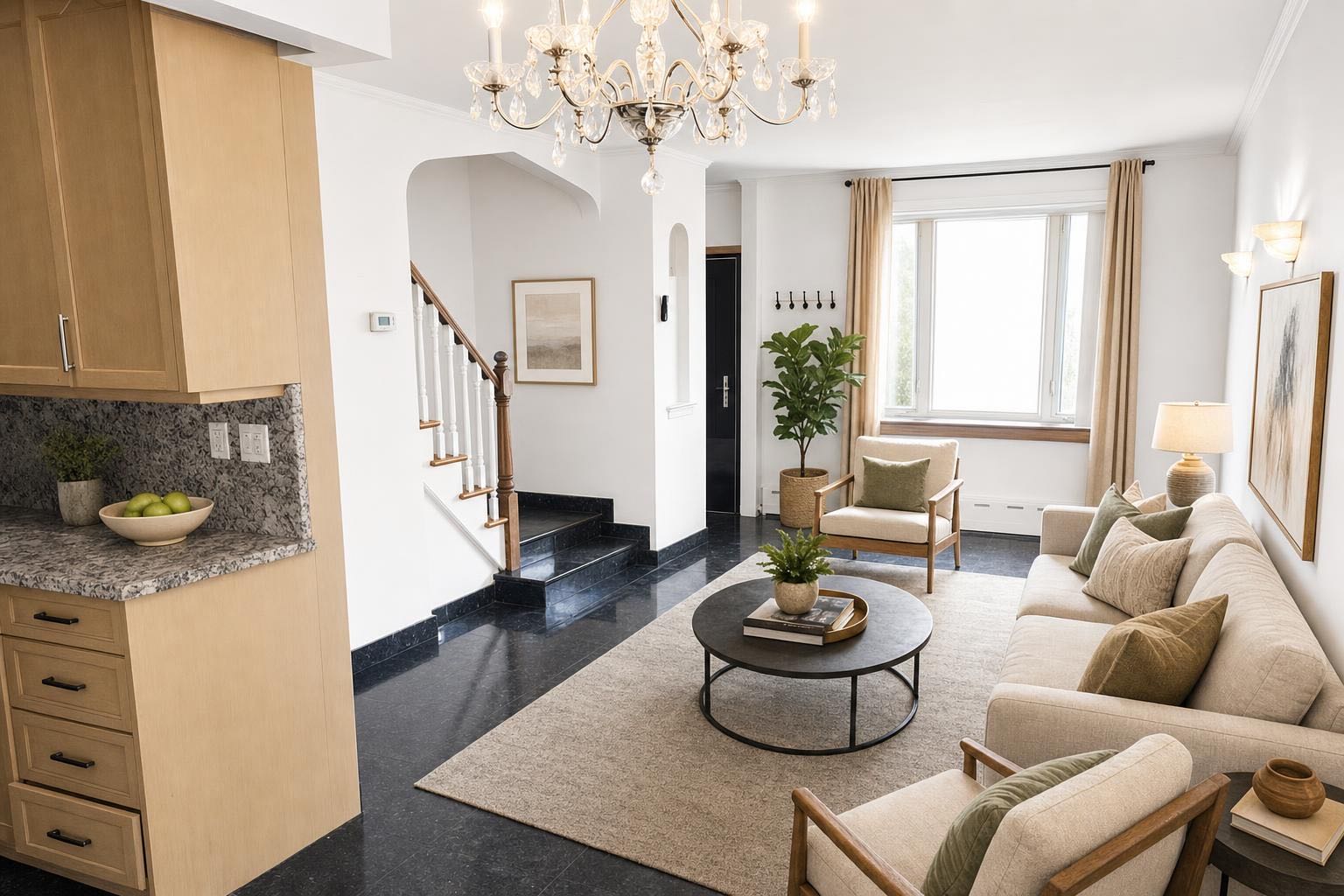
 after · staged
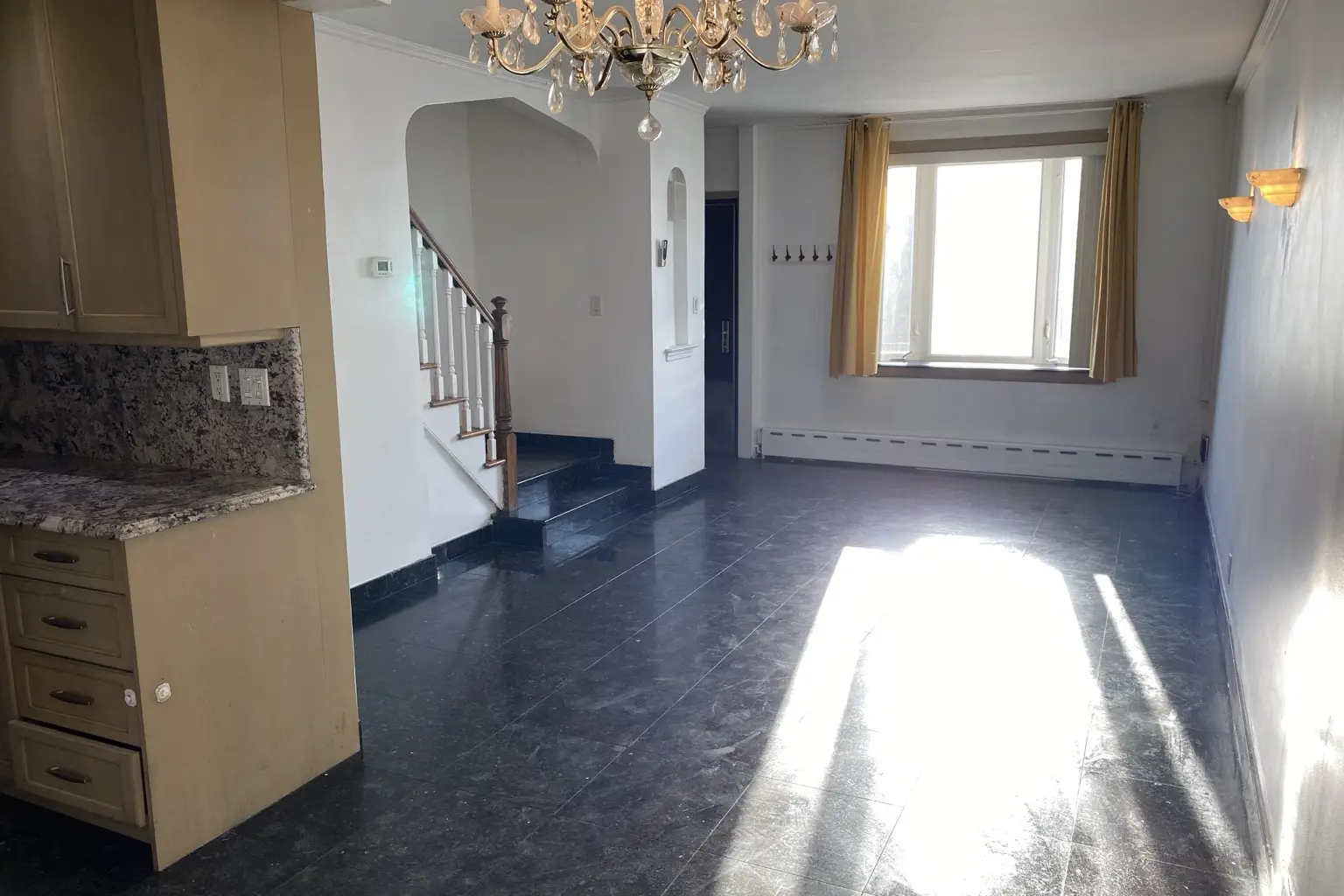
before
after · staged
before
The short version
A buyer flips from the wide shot to the window angle and the sofa has changed, which makes them ask which photo is lying. Most AI staging tools treat every photo as a brand-new job, so the furniture cannot help but contradict itself. Judge a tool on the finished set, not on one sample image.
Picture a buyer at 11pm, phone in hand, flipping through your listing. Photo four is the living room from the doorway: cream linen sofa, walnut coffee table, soft blue rug. Photo five is the same living room from the window — and the sofa is different. Squarer arms, darker fabric, a rug that doesn't match. Nothing announces it. It's just wrong.
Most buyers can't name what happened. They don't think "these photos were generated independently." They think something simpler and far more damaging: which photo is lying?
That question is the quiet failure mode of most AI virtual staging — and you can shoot, stage, and publish your way straight into it without noticing, because each photo looks fine on its own. It's the set that gives you away.
Buyers read photos as evidence
A listing's photos are testimony. They make claims — this much light, this much space, this is what the kitchen looks like from the hall — and the buyer's whole job is deciding whether to believe them. Virtual staging already asks for a small act of faith: see this room with furniture that isn't physically there. Buyers extend that faith routinely, as long as the photos are labeled honestly (disclosure rules here) and — this is the part people miss — as long as the photos agree with each other.
The moment two angles of one room disagree about the furniture, the photos stop being one home and become a collage. And the doubt doesn't stay contained. If the sofa isn't real in a way the listing can't keep straight, what else is being flattered? The light? The room sizes? Staging that contradicts itself doesn't just look fake — it invites the buyer to re-read every other photo with a prosecutor's eye. That's the exact opposite of what you paid for.
Why the sofa keeps changing
Here's the short version, no engineering lecture required: most AI staging tools treat every photo as a brand-new job. You upload eight photos of one home; the tool stages eight unrelated photos. When it reaches your second living-room angle, it has no idea what it put in the first one — so it invents a new sofa, new art, a new rug, from scratch, every time.
Each render can be individually excellent and the set still falls apart, because this was never a quality problem. It's a memory problem. The tool doesn't remember the home, so the home changes between frames.
Open-plan spaces make it worse. The kitchen island is visible from the living room, which means the kitchen photo and the living-room photo both make claims about the same barstools. Stage those photos independently and the barstools appear in one and vanish from the other — a contradiction sitting in plain view on the two photos buyers study most.
What to look for in a staging tool
If you're comparing tools for a multi-photo listing, judge the set, not the sample image. Ask these questions:
- One furniture set per room. Stage two angles of the living room and check: same sofa, same rug, same art on the wall. If the tool can't hold a room together, it can't hold a listing together.
- Open-plan continuity. Furniture visible from another room should appear in that room's photo too. The island barstools belong in the living-room shot that can see the island.
- Whole-home memory. If you stage one more photo after the batch — the bedroom angle you forgot — it should come back matching the listing, not starting a new one.
- It should be automatic. If keeping furniture consistent requires you to write furniture descriptions per photo or juggle reference images by hand, it will get skipped on deadline. The tool should carry the set for you.
- One style per home. Consistency also means the same design language throughout — a Scandinavian living room shouldn't hand off to a farmhouse kitchen.
The one-star review that built this feature
We'll be honest about where this came from. A customer staged a whole kitchen — several angles, one batch — and left us a one-star review, and the review was right: barstools at the island in one staged photo, missing in the next angle. Two photos of one kitchen telling two different stories. Every photo looked good. The set looked fake.
So we rebuilt staging to work at the level a listing actually lives at: the home, not the photo. Of everything we've shipped, this is the one we're proudest of — because you can't see it in any single photo. Only in the set. Which is exactly where buyers look.
Here's what happens now when you stage photos of the same home with Stylst. The first photo of each room sets the furniture. Every other photo of that room matches it — same sofa, same rug, same lamp. Rooms that can see each other stay in agreement, so the barstools at the island show up in the living-room angle that looks toward the kitchen. And a photo you stage later — the same day, one at a time — picks up the same set the home already has.
One furniture set per home — the same sofa, the same barstools, in every photo of the listing, automatically.
There's no toggle to find and nothing to configure. You upload the listing; it comes back as one home. That's the whole feature, and it's the difference between staging that decorates your photos and staging a buyer can actually believe.
You stay in charge.
The carry-through never overrides you. Pick a different style for a specific photo and your pick wins — the point is a coherent listing, not a tool with opinions. And if you want standing preferences ("no plants, ever"), photo rules apply on top, to every photo.
How to get a consistent set out of any shoot
Upload the listing as one batch. Shoot everything, then stage it together — the batch is how the tool knows these photos are one property. Our whole-listing walkthrough covers the workflow end to end.
Get the room types right. Stylst reads each photo and suggests the room; glance at the labels and correct any it got wrong. It's the most important choice in AI staging — here's what happens when it's off.
Pick one style for the home. Modern, Scandinavian, Coastal — choose once and let the whole listing speak it. Mixing styles across rooms re-creates the collage problem on purpose.
Stage the stragglers while the shoot is fresh. The angle you forgot, the shot you weren't sure about — stage them the same day and they arrive matching the listing, because the home still remembers its furniture.
What it costs
Stylst is pay-as-you-go, no subscription required: 10 for $16.99, 30 for $44.99, and 100 for $129.99 — roughly a dollar a photo. One credit is one photo, about 30 seconds each, and the consistency carry-through is simply how staging works here — not an add-on, not a higher tier.
On the web your first photo is free, no card — it comes back with a preview watermark until your first purchase, which unlocks that same photo — nothing to redo. In the iPhone and Android apps the first photo is free with no watermark at all. Free first photos are available in supported regions. Try it on your toughest room first. Then, when you stage the rest of the listing, flip between the angles that share furniture — that's where consistency shows. And if a photo comes back wrong, tell us within 24 hours and we'll re-run it free with your feedback — and if it still misses, we'll credit you back.
Questions people actually ask
Why does the furniture change between photos of the same room?
Because most AI staging tools stage each photo as a separate job. The tool that staged your second angle has no idea what it put in the first one, so it invents a new sofa, a new rug, and new art from scratch. Each photo can look good on its own and the set still contradicts itself. Stylst stages the listing as one home: the first photo of each room sets the furniture and every other photo follows it.
How do I get matching furniture across a whole listing?
Upload the listing together and use a tool that carries one furniture set through the batch. In Stylst, photos of the same room share the furniture the first photo established — including open-plan shots where one room can see into another — and photos you stage later pick up the same set automatically. There is nothing to configure and no toggle to find.
Does mismatched staging actually bother buyers?
Buyers read listing photos as evidence, and two photos that disagree about the furniture are a contradiction in the evidence. The natural conclusion is that the photos are decoration rather than documentation, and the doubt doesn't stay contained to the sofa — it spreads to the light, the space, and everything else the photos claim. A consistent set keeps the photos believable, which is the entire point of staging them.
Do photos I stage later match the earlier ones?
With Stylst, yes while the shoot is still fresh — a photo you stage later the same day picks up the furniture set the home already has, so the bedroom angle you add that evening arrives matching the listing instead of contradicting it. If you deliberately choose a different style for the new photo, your choice wins — you're the one selling the house.
The bottom line
Staging exists to help a buyer believe a room. Consistency is what keeps them believing across the whole listing. One home, one furniture set, every photo in agreement — that's what makes staged photos read as a real place instead of a set of renders, and with Stylst it's simply what happens when you stage a listing. Upload yours and flip through the result the way a buyer would. The set holds together. That's the point.