Best Aspect Ratio for Real Estate Photos: 4:3 vs 3:2
Use 4:3 as the safest listing default. Here is when 3:2 works, why 16:9 usually does not, and how to stop portals and AI tools from changing the frame.
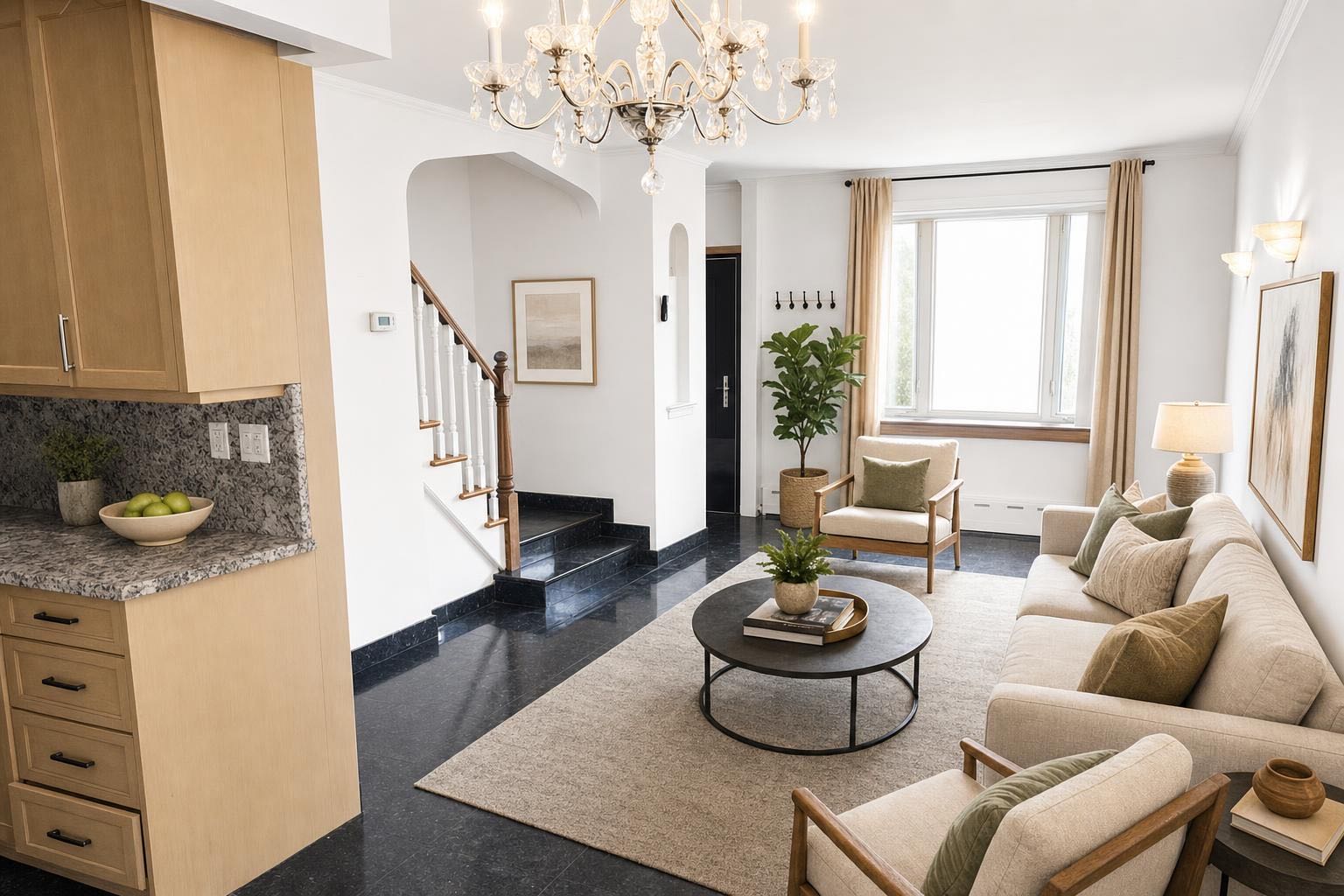
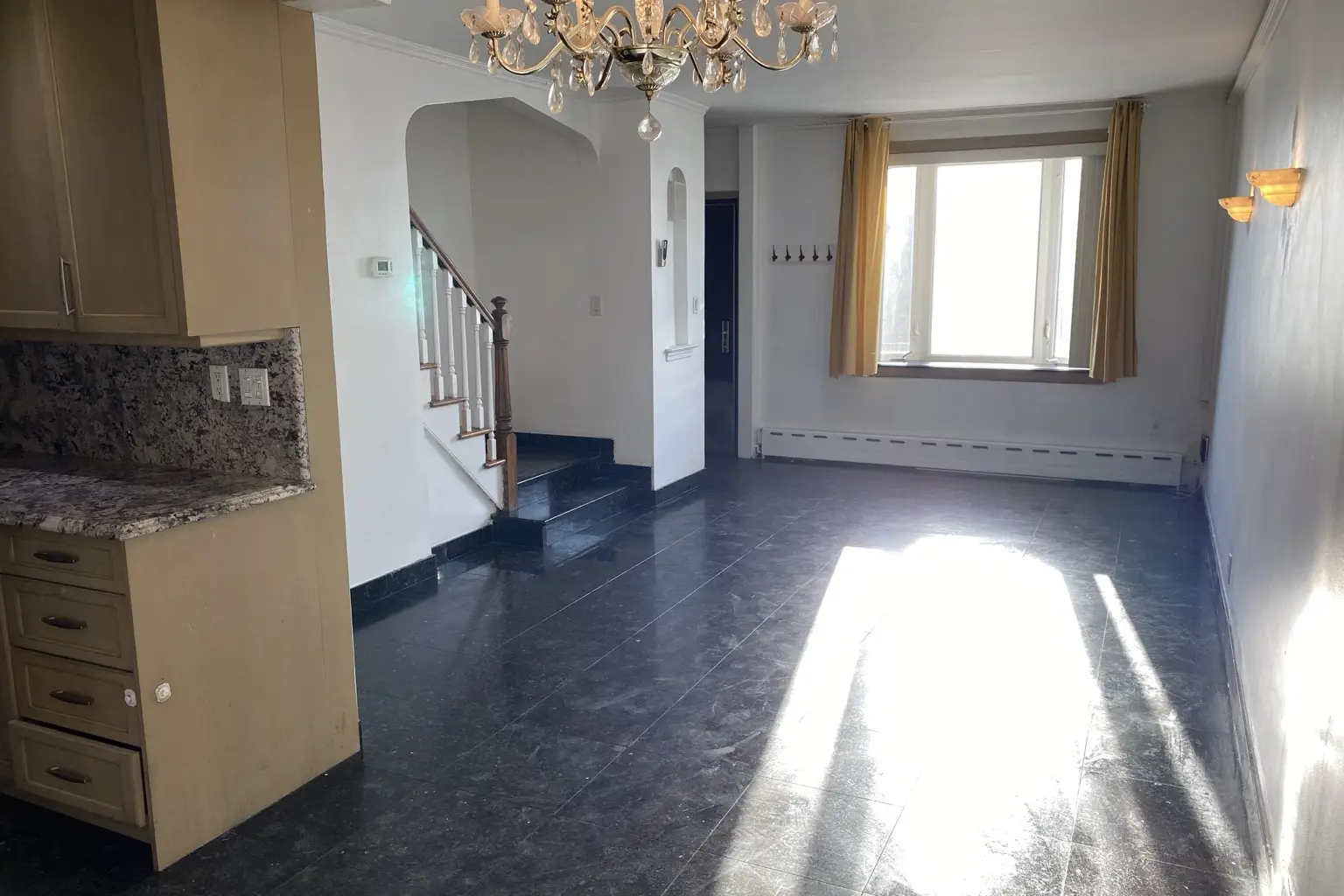 after · staged
before
after · staged
before
The short version
Aspect ratio is the most-ignored technical decision in listing photography and the one a portal thumbnail punishes you for. Most phones shoot 4:3 by default, which is the shape you want. The trap specific to AI tools is a result that comes back a different shape than you sent.
Everybody argues about megapixels, lenses, and which phone shoots the best photo. Almost nobody thinks about the shape of the frame. Then the listing goes live, the portal renders your hero shot into its own thumbnail box, and the fireplace you carefully centered is half outside the picture.
Aspect ratio is boring, it takes about ten minutes to understand completely, and it quietly decides how your photos look everywhere they get shown.
What aspect ratio actually is
Aspect ratio is the shape of the frame: width compared to height, with the actual pixel count factored out. A 4000 × 3000 photo and a 1024 × 768 photo are both 4:3 — same shape, wildly different resolution. Resolution is how much detail you have. Aspect ratio is what shape that detail is poured into. They are two separate decisions, and only one of them survives every re-crop and re-upload between your camera and a buyer's phone.
Divide the width by the height and you get the number people actually mean: 4:3 is 1.33, 3:2 is 1.5, 16:9 is 1.78. The bigger the number, the wider and flatter the frame.
4:3 vs 3:2 vs 16:9 at a glance
| Ratio | Best use | What gets cropped | Listing verdict |
|---|---|---|---|
| 4:3 | MLS and listing galleries | Usually little or none | Safest default |
| 3:2 | Cameras and rental photos | A small amount at the sides in a 4:3 box | Good if used consistently |
| 16:9 | Video and slides | Ceiling and floor in a room photo | Avoid for the still gallery |
If you are comparing 3:2 vs 16:9, choose 3:2 for a still listing photo. It preserves more vertical room information and survives a 4:3 thumbnail crop better. Use 16:9 when the final destination is explicitly video.
The shapes, and what each one is for
- 4:3 — the classic listing photo. The default shape for real estate. Most MLS galleries, portal slideshows, and print flyers were built around it, so a 4:3 photo drops into those grids without anybody's software making a decision on your behalf. If you only ever use one shape, use this one.
- 3:2 — what most cameras shoot. The native frame of essentially every DSLR and mirrorless camera, inherited from 35mm film. It is slightly wider than 4:3. It is also the shape Airbnb, VRBO, and Booking want for a cover photo. A 3:2 photo in a 4:3 grid gets a small trim off the sides, which is usually survivable.
- 16:9 — cinematic, and a trap for rooms. It reads like film, which is why people reach for it. But making a frame that wide means cutting ceiling and floor, and ceiling and floor are how a buyer reads the size of a room. A 16:9 kitchen shot is a beautiful photo of a countertop in a room you cannot judge. Use it for video, not the still gallery.
- 1:1 and 4:5 — Instagram's feed. Square and tall-square. These are social shapes, not listing shapes.
- 9:16 — stories and reels. Full-screen vertical. Great for a walkthrough, hostile to a wide room photo.
The last three are a separate job with their own rules, and we have a whole piece on them: the only four social image sizes you need. The MLS copy of a photo and the Instagram copy of a photo are two different files. Don't try to make one file do both.
What your phone is actually shooting
Most phones shoot 4:3 by default — which is good news, because that is the shape you want for a listing. Most phones will also happily shoot 16:9 if somebody changed the setting once and forgot. Open the camera app, check what ratio it is set to, and put it back to 4:3 before you shoot a house. That is the entire configuration step. (The rest of getting a good frame out of a phone is here.)
The other phone quirk worth knowing: when you turn the phone sideways, the sensor doesn't turn with it. A portrait photo is usually stored as landscape pixels plus a little orientation flag that tells software to rotate the image for display. Every normal photo app reads that flag. Plenty of upload pipelines and image tools do not — they grab the raw pixels and ignore the note. That is why a photo that looks perfectly upright in your camera roll sometimes comes back lying on its side, and why it is never quite obvious whose fault it was.
The crop that costs you money
Here is the part that actually shows up in your business.
Portals and MLS grids do not display your photo. They display their thumbnail of your photo. Every one of those grids has a fixed box, and if your photo isn't that shape, something gets cut — automatically, by a script, with no idea what the photo was about. The script does not know that the point of the frame is the island, the fireplace, or the view out the back. It takes the middle and throws away the edges.
Two habits fix nearly all of it:
- Shoot with crop margin. Frame a little wider than the photo you want. Leave air above and below the subject and space on both sides. If the subject is dead-center and the frame is packed tight to the edges, a thumbnail crop eats it, and you cannot get it back after the fact. Margin is free at capture time and impossible to add later.
- Keep one ratio across the whole listing. Twenty-four photos in a gallery, and three of them are a different shape: the gallery jitters as the buyer arrows through it, the letterboxing flickers, and the whole set reads as amateur even though every individual photo is fine. Consistency is doing more work here than quality is. Pick 4:3, shoot everything 4:3, upload everything 4:3.
The wide-angle lens interacts with all of this, and not always kindly — wide-angle real estate photography covers the distortion side. And for the platform-specific stuff (which photo goes first, how many, what the portal actually rewards), see Zillow listing photo tips and MLS photo requirements — your MLS publishes its own minimum pixel size, and it is worth reading once, but the shape matters more than the pixel count for how a photo reads in the grid.
The AI crop nobody warns you about
Now the part specific to AI photo tools, and the reason this article exists.
Many AI image tools quietly hand you back a different shape than you sent. The underlying image models generate at a fixed set of sizes — very often a 1024 × 1024 square — and a lot of products simply pass that straight through to you. You upload a wide 3:2 living room and you get back a square. You upload a tall 9:16 phone shot of a staircase and you get back something squatter, with the top of the stairs gone.
Three things break at once, and none of them are obvious until you're already annoyed:
- The before and after don't line up. Any comparison slider becomes useless, because the two images aren't the same frame. You can no longer prove to yourself, or to a seller, that the staging respected the room.
- The composition you framed is gone. You stood in the doorway and worked out where to put the camera. A center-crop to square throws that away and calls it a feature.
- Your gallery has one odd photo in it. Twenty-three photos at 4:3 and one square one, sitting there, announcing that something was done to it.
Stylst returns the photo in the same aspect ratio you sent. 9:16 in, 9:16 out. 4:3 in, 4:3 out. Portrait phone photos get re-oriented correctly before staging, so a shot taken sideways comes back upright rather than lying on its side. The practical effect is that the before/after actually align in the compare slider, and the file you download is the shape of the shot you took — it drops into the gallery next to the twenty-three photos you didn't stage and nobody can pick it out of the lineup.
Test this on any tool before you buy credits, ours included: send it a portrait photo and look at what shape comes back. It takes one upload and it tells you more about how carefully the thing was built than any marketing page will.
Matching your frame means we can't invent what's outside it.
This cuts both ways, and we'd rather say so. Because the photo comes back in the ratio you sent, we cannot widen a frame you shot too tight, and we won't. If you stood too close to the sofa, the staged photo is still standing too close to the sofa — with better furniture in it. Staging fills a room; it does not widen one. Get the framing right in the room, with a bit of margin around the edges. That is still the one job the software honestly cannot do for you.
Where Stylst lands
Stylst turns a phone snapshot into a listing-ready photo in about 30 seconds, for about a dollar — pay-as-you-go, no subscription required. Virtual staging, real estate photo enhancement, decluttering, and day-to-dusk all return your photo in the ratio you handed them. Your first photo on the web is free. Try a photo and check the shape of the file that comes back.
Questions people actually ask
What aspect ratio should real estate photos be?
4:3 is the safest default for MLS and portal listing photos, because most listing grids and slideshows are built around that shape. 3:2 is fine as well, and it is what most cameras shoot natively. The bigger rule is to pick one and use it for every photo in the listing.
Is 16:9 a good aspect ratio for listing photos?
Usually not. 16:9 is a video shape, and on a room photo it crops away ceiling and floor, which is exactly the information a buyer uses to judge how tall and how big a space is. Keep 16:9 for a walkthrough video and shoot the still gallery at 4:3.
Why did my AI-staged photo come back square when I sent a rectangle?
Because a lot of AI image tools generate at one fixed size, often a 1024 by 1024 square, and hand you back whatever the model produced. Your composition gets squeezed or cropped to fit, the before and after no longer line up, and one photo in your gallery is now a different shape than the rest.
Why do my portrait phone photos come back sideways?
A portrait photo is usually stored as a landscape image plus an orientation flag that tells software to rotate it for display. Any tool that ignores that flag reads the raw pixels and hands you a sideways photo. Stylst bakes the orientation in before staging, so the photo comes back the way you shot it.
The bottom line
Shoot 4:3, leave margin around the subject so a thumbnail crop has something to eat that isn't the fireplace, and keep every photo in a listing the same shape. Then check that whatever you run those photos through gives them back to you in the shape you sent — because a tool that silently returns squares has thrown away a decision you made on purpose, standing in the room, holding the camera. The printable listing photo field guide puts this check beside the shot order, editing, and disclosure checks.