
Recover dark interiors
Balance window light and room detail so a phone photo reads cleanly on a listing page.
Stylst corrects dim interiors, muddy color, flat contrast, and distracting camera tilt while keeping the photographed room honest. It is the fast listing-photo enhancer for agents who need a finished image, not another editing workspace.
Unlimited revisions included. Every newly paid or unlocked photo can be refined with the same original photo and tool, with no expiry. A different photo or tool starts a new generation. Free previews must be unlocked first.
Free watermarked preview · No card · About 30 seconds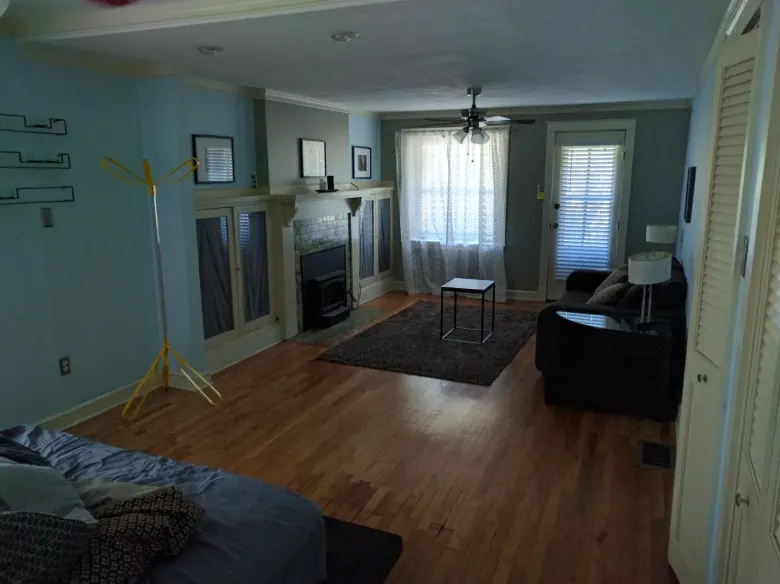
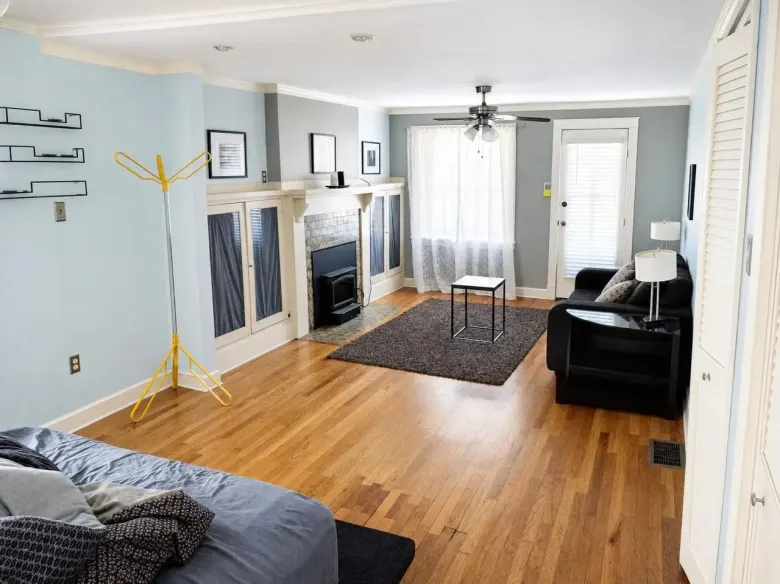
One real property photo. The source stays saved beside the result.
One focused workflow, with the property and the original kept in view.
Balance window light and room detail so a phone photo reads cleanly on a listing page.
Remove the green, yellow, or blue cast and straighten the frame without turning the room into a different property.
Run the entire listing in one upload instead of adjusting exposure and white balance photo by photo.
The mobile app needs no account. The web flow uses a one-time email code so the finished photo has somewhere to land.
Take a photo or upload the listing you already have.
Confirm the room, review the real example, and add a standing photo rule if needed.
Compare it with the original, download it, or point at anything that needs another pass.
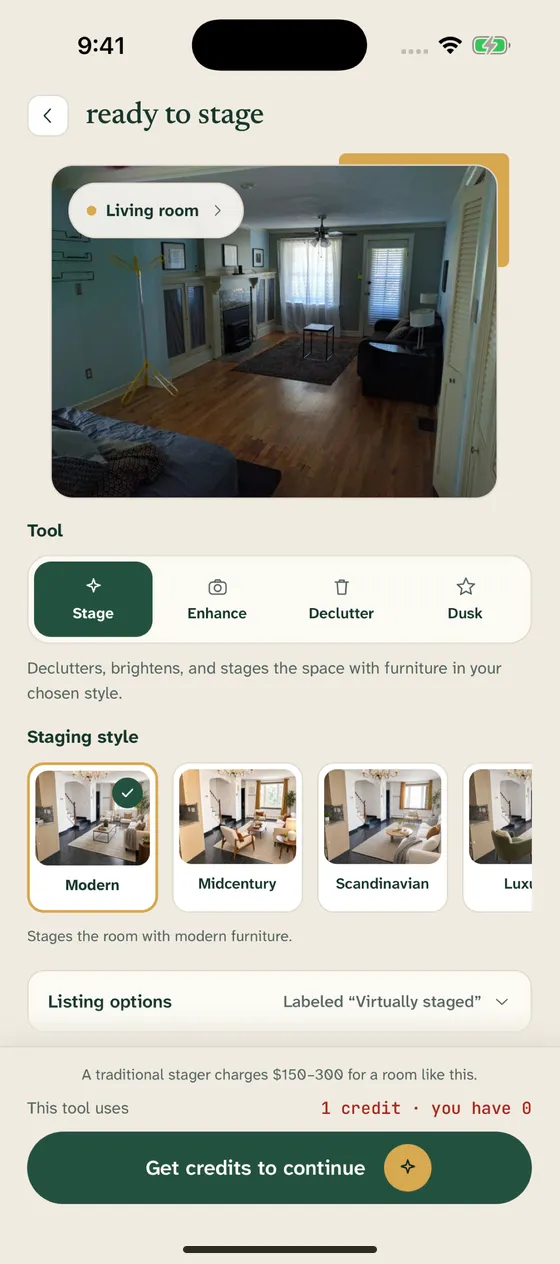
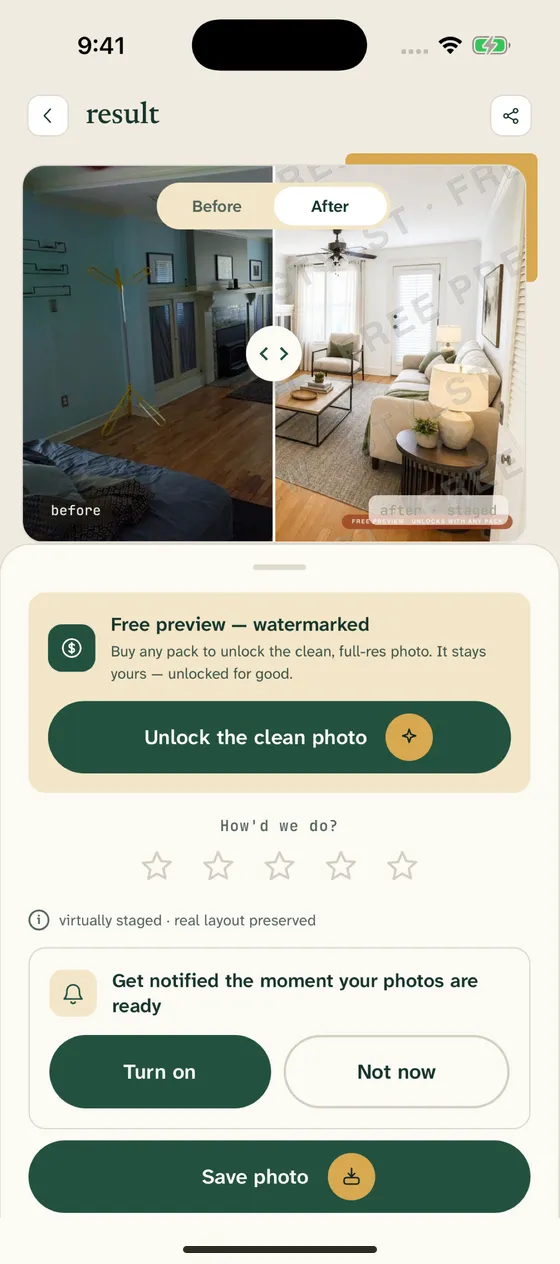
Repair the common lighting and perspective problems before the listing goes live.
Refresh an older photo set without making the unit look different from the stay.
Clear the routine correction queue and keep your time for selective manual work.
See the first watermarked result before paying. Monthly plans start at $14.99 for 10 photos; one-time packs start at $16.99 for 10 and never renew.
Stylst corrects lighting, color balance, contrast, clarity, and minor perspective problems. It does not add furniture, remove damage, or replace property details in Photo fix mode.
No. HDR combines multiple exposures captured at the property. Stylst improves one existing photo, which is useful when the shoot is already over or only one exposure exists.
Yes, when the source photo still contains usable room detail. Stylst balances the room and windows rather than making every surface unnaturally bright.
Yes. Upload a batch, choose Photo fix, and process the listing together. Each result stays paired with its original in the library.
The first watermarked preview is free. Monthly plans start at $14.99 for 10 finished photos, and one-time packs start at $16.99 for 10 photos.
Upload it, see the checked preview, and decide from there.
See my first preview ↗