
Make the exterior the hero
Turn the daytime front elevation into the warm, high-contrast image that earns the first tap.
This is real-estate twilight conversion, not a generic night filter: upload a clear daytime exterior and Stylst creates a warm dusk sky, natural window glow, and balanced landscape lighting while preserving the real house, lot, and camera angle.
Unlimited revisions included. Every newly paid or unlocked photo can be refined with the same original photo and tool, with no expiry. A different photo or tool starts a new generation. Free previews must be unlocked first.
Free watermarked preview · No card · About 30 seconds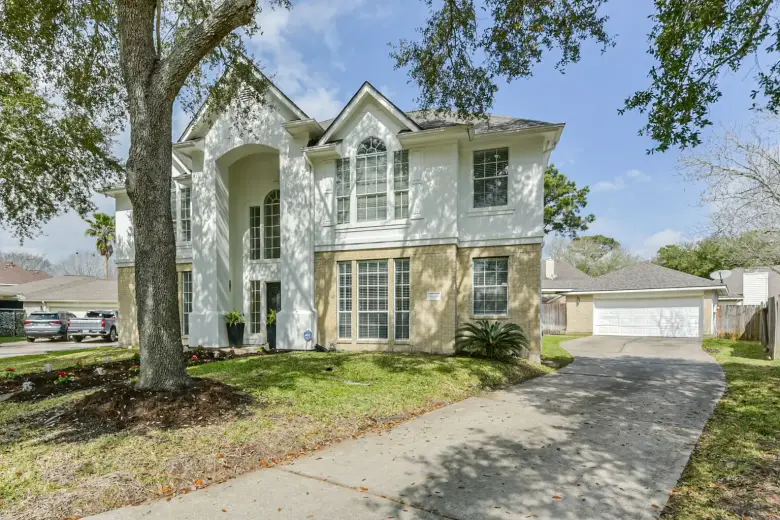
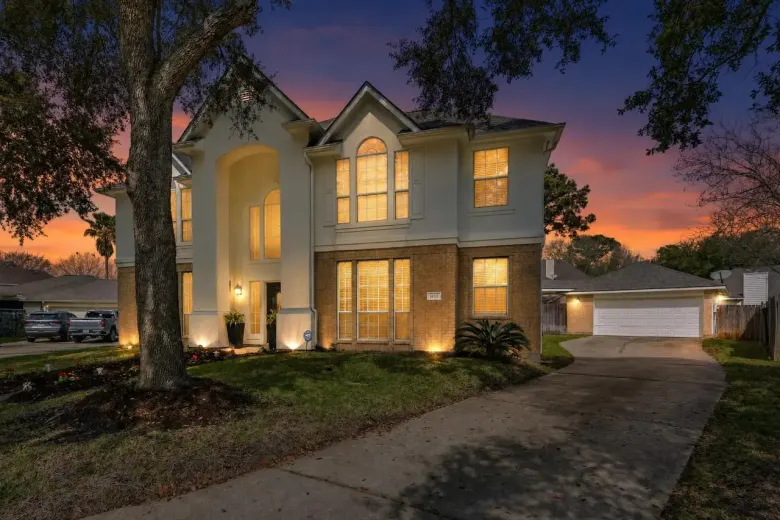
One real property photo. The source stays saved beside the result.
One focused workflow, with the property and the original kept in view.
Turn the daytime front elevation into the warm, high-contrast image that earns the first tap.
Create a twilight treatment from the photo already captured instead of returning at a narrow sunset window.
Keep the same roofline, windows, landscaping, driveway, neighboring context, and camera position.
The mobile app needs no account. The web flow uses a one-time email code so the finished photo has somewhere to land.
Take a photo or upload the listing you already have.
Confirm the room, review the real example, and add a standing photo rule if needed.
Compare it with the original, download it, or point at anything that needs another pass.
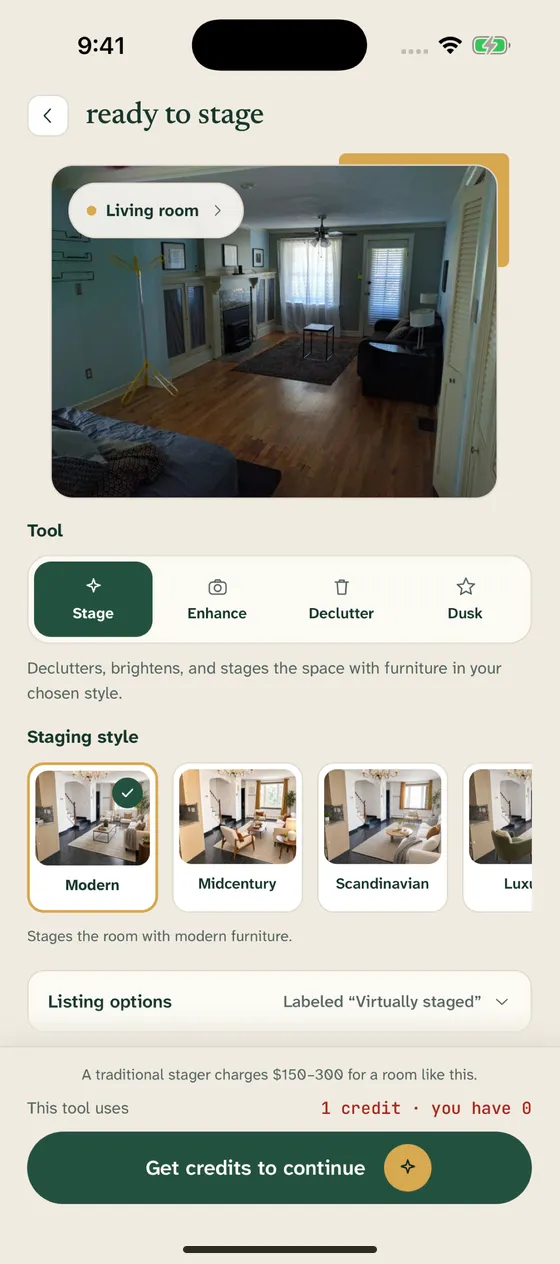
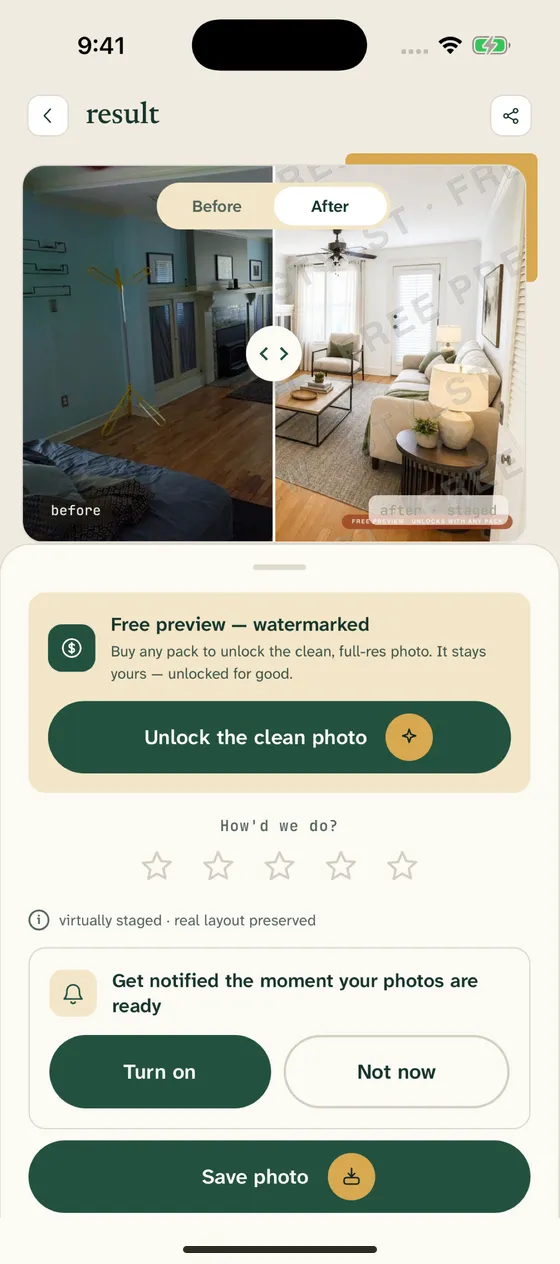
Create a stronger cover image after the daytime shoot is already complete.
Offer twilight conversion without scheduling a separate sunset visit.
Refresh the exterior hero image for a seasonal campaign without misrepresenting the property.
See the first watermarked result before paying. Monthly plans start at $14.99 for 10 photos; one-time packs start at $16.99 for 10 and never renew.
Day-to-dusk editing converts a daytime exterior into a twilight treatment by changing ambient light, sky color, and believable window glow while preserving the photographed property.
No. Start with a clear daytime exterior. Stylst creates the twilight treatment from that photo, so you do not need to return during the short sunset window.
It is designed to preserve the roofline, windows, exterior materials, landscaping, lot, neighboring context, framing, and camera position.
Use a level, unobstructed exterior photo with the whole home visible and usable detail in the sky, facade, windows, and landscaping. Avoid night photos, severe blur, and objects covering the house.
The first watermarked preview is free. Monthly plans start at $14.99 for 10 finished photos, and one-time packs start at $16.99 for 10 photos.
Upload it, see the checked preview, and decide from there.
See my first preview ↗