Airbnb, VRBO & Booking.com Photo Requirements: A Host's Cheat Sheet
Orientation, resolution, cover-photo behavior, captions, and the edits that get an image pulled. One spec, three platforms.
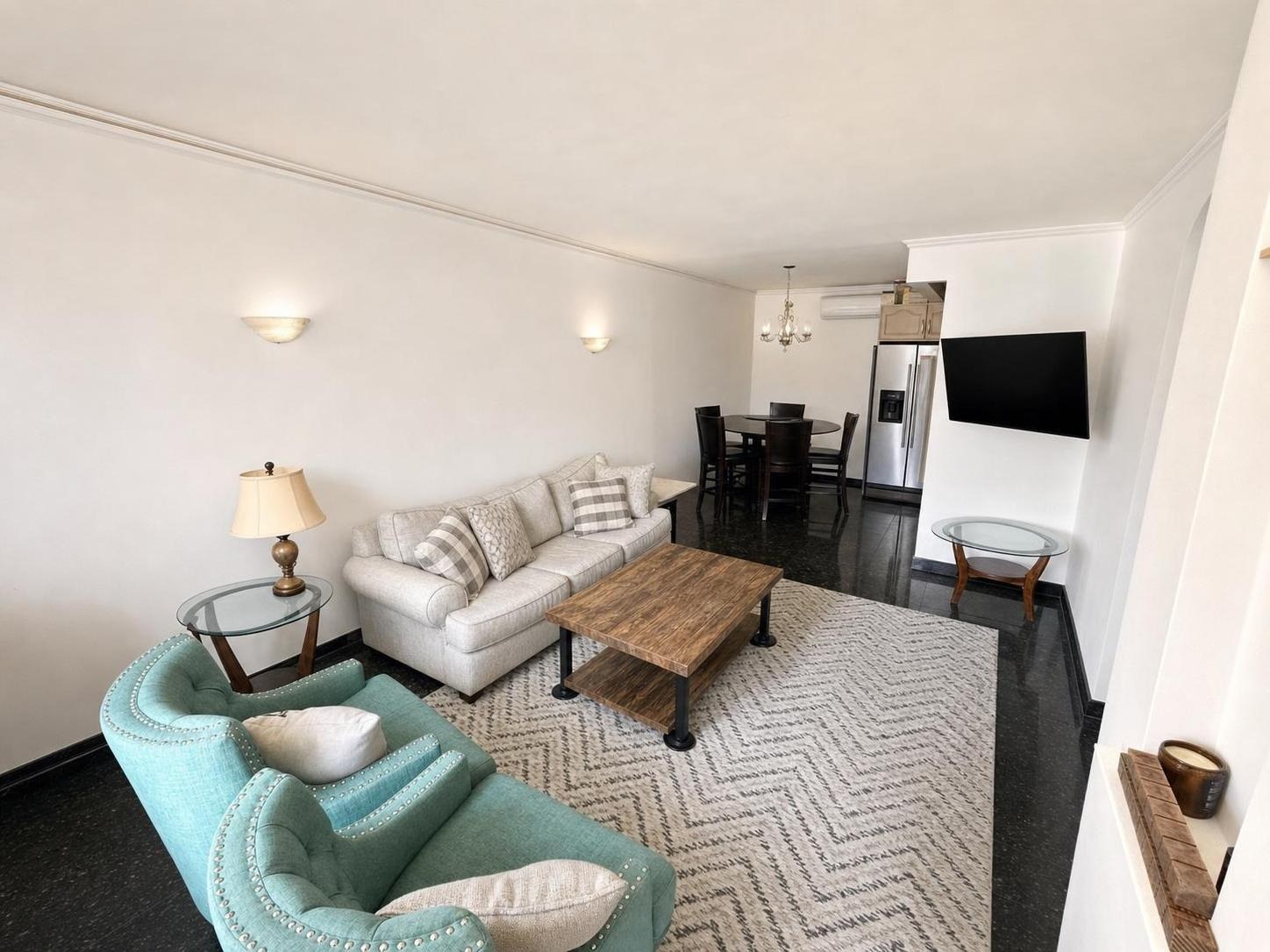
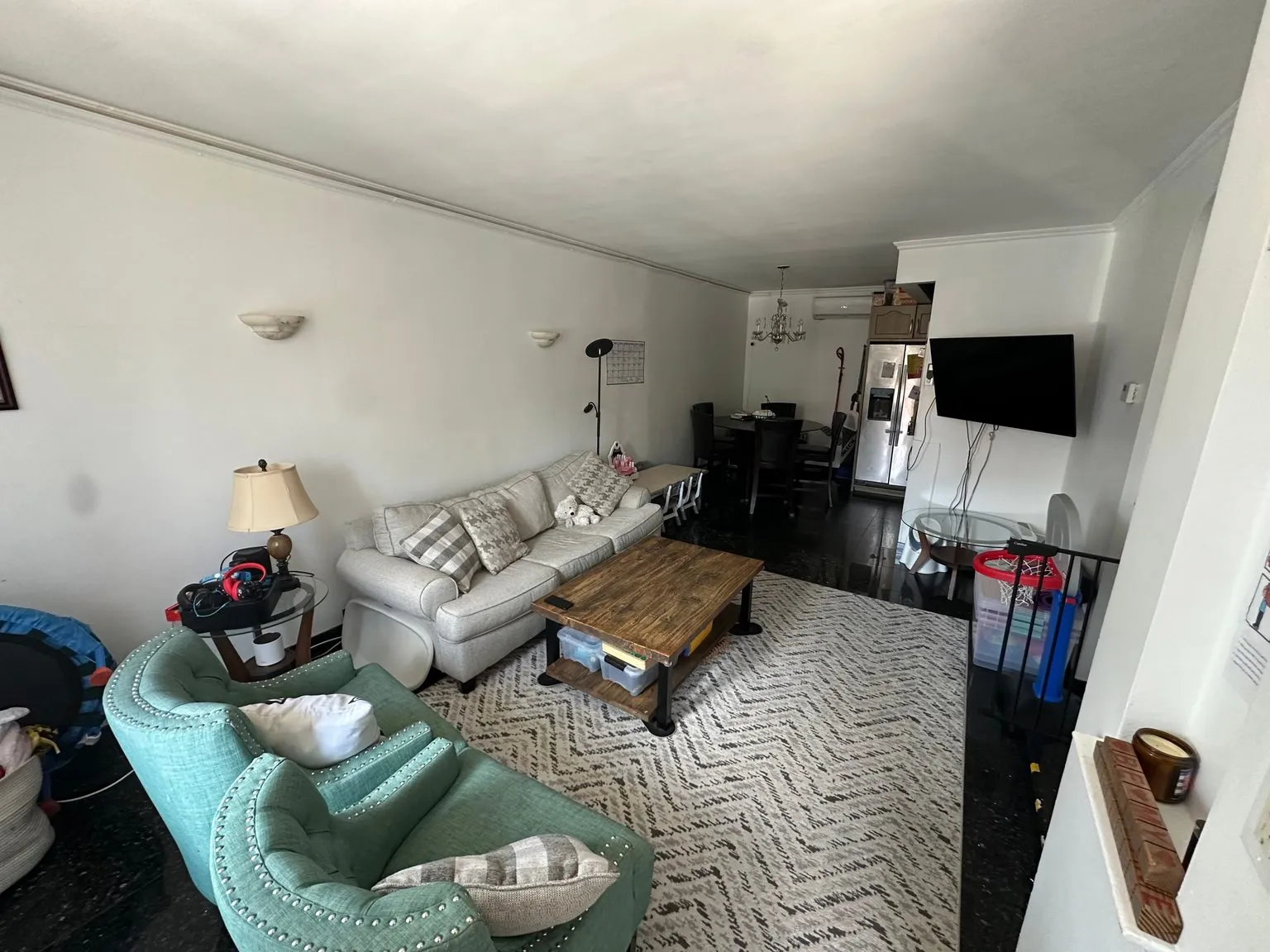 after · decluttered
before
after · decluttered
before
The short version
One spec satisfies all three platforms: horizontal, high resolution, well lit, uncluttered, captioned and true. The cover behaves the same way everywhere, which is that it is the first image in the gallery and it carries the whole search-result decision.
Three platforms, three help centers, three sets of numbers that change without telling you. Here's the practical version: what's actually stable across Airbnb, VRBO, and Booking.com, what differs, and where you should stop trusting a blog post (including this one) and go check the current requirement in your own listing editor.
One rule for the whole article: where a specific minimum matters to your listing, verify it in the platform's current help center. Photo counts and pixel floors are the things these companies quietly change. The behavior below is what has held steady for years.
The spec that satisfies all three
If you shoot to this, you will never be the host scrambling to re-crop a gallery:
- Horizontal, always. The listing galleries favor landscape, while Airbnb currently center-crops search images to a square. A 3:2 source is a useful starting point, but leave the subject inside a central safe area. Our 4:3 vs 3:2 vs 16:9 guide shows exactly what each crop removes.
- Big enough to survive a retina display. Aim for at least 1920 pixels on the long edge. Every platform's technical floor is lower than that, and every platform's good-looking floor is higher. Any modern phone clears this easily — just don't upload a screenshot or a photo you texted to yourself, both of which get compressed.
- JPEG, straight out of the camera roll. Don't over-compress and don't upscale a small image; both look like exactly what they are.
- Subject centered, breathing room at the edges. Each platform crops the same image differently on search, on the listing page, and in the app. Leave margin so no crop cuts the sofa in half.
- No text, no logo, no watermark, no border, no collage. This one is close to universal across booking platforms, and it's also just bad for conversion. Save the branded version for Instagram.
- No faces, no license plates, no personal information in the frame.
- One well-lit photo of every space the guest gets. Every bedroom, every bathroom, the kitchen, the living space, the outdoor area, the parking if it's a selling point.
Airbnb
- The cover photo is the first photo in your gallery, and you set it by reordering. It's the only image most guests will ever see — the cover photo guide is the deep version of this.
- Photos are captioned individually, and captions get read by the guests who are seriously considering you. Use them for the things a photo can't say: "sofa bed, sleeps two," "shared entrance," "third-floor walk-up."
- Photo counts: Airbnb requires a minimum number to publish and rewards more than the minimum. The exact floor has moved over the years — check the current requirement in the listing editor. The practical answer for a whole home is a lot more than the minimum; the same reasoning as how many photos a listing needs.
- The gallery is grouped by room on newer listing layouts, so photograph rooms as rooms — a random tight shot of a corner has nowhere to live.
- Accuracy is enforced. A listing that's materially different from its photos is a refund-and-rebook problem, not a style problem. See the accuracy playbook.
VRBO
- The hero image behaves like Airbnb's cover — first in the gallery, and the whole search-result decision.
- Landscape and high-resolution are explicit recommendations. VRBO's audience skews toward whole-home and family travel, which means the photos that convert are the ones that answer "will all six of us fit here?" Show the full living space, the dining table, and every sleeping area.
- Captions carry weight for the same reason: a family is counting beds and bathrooms before they book.
- Minimum photo counts and pixel floors exist and change — check the current numbers when you build the listing.
Booking.com
- Photos are attached to room types, not just to the property. This is the big structural difference. If you list multiple room types, each needs its own photos, and a guest booking "Deluxe Double" expects to see that room.
- The main photo drives the search card, same as everywhere else.
- The audience is more hotel-shaped: Booking.com guests are often comparing your place against actual hotels, so cleanliness, the bathroom, and the bed photograph harder here than the aesthetic detail shots that work on Instagram.
- Extranet rules on watermarks, text, and duplicate images are strict. Don't reuse the same photo across two room types.
Every one of these rules is the same rule underneath.
Show the guest, in the clearest possible way, exactly what they're getting. Landscape, because that's how it'll be shown. High resolution, because a fuzzy photo hides things. No watermark, because a promo overlay isn't information. Captions, because a photo can't tell you the bedroom is in the basement. Accurate, because the guest will be standing in the room in three weeks. The platforms aren't being fussy — they're all optimizing the same thing you should be.
What actually gets a photo pulled or buried
- Text or logo overlays. The most common rejection, and completely avoidable.
- Images that aren't of the property. Stock photos of a beach, a photo of the neighborhood, a picture of a different unit. Some platforms allow a limited "surroundings" category; none allow you to pass one off as your space.
- Duplicates and near-duplicates. Eight photos of the same corner of the living room padding the count.
- Screenshots and heavily compressed re-saves. They look terrible and some platforms detect them.
- Photos that misrepresent. Furniture that isn't there, a defect edited out, a room stretched to twice its size. This is the one that costs money, not just a rejection.
The shoot order that gets you a complete gallery
Do it in one pass, in the order a guest would walk it: exterior, entry, living space, kitchen, dining, each bedroom, each bathroom, outdoor space, then the amenity shots (the coffee setup, the workspace, the view). A written shot list keeps you from discovering at midnight that you never photographed the second bathroom — steal the structure from the real estate photo shot list.
Shoot everything horizontal, from a corner, at chest height, in the best daylight the room gets. How to photograph a room covers the mechanics, and shooting listing photos on an iPhone covers doing it well without a camera. Then fix the light and clear the clutter afterward — the edits every platform is fine with, and the ones covered in photo editing basics.
Where Stylst lands
Stylst outputs at the aspect ratio you shot, so a horizontal photo comes back horizontal and drops straight into any listing gallery. Enhance fixes exposure and color, Declutter clears the frame, Day-to-dusk gives you the hero exterior — about a dollar a photo, no subscription, back in about 30 seconds, and a whole listing in one batch. The branded strip and the reel exports are for social; the listing exports stay clean, because that's what the platforms want. Not sure a photo is good enough? The free photo score will tell you before you upload it. Hosts start at stylst.app/airbnb.
The bottom line
Horizontal, high-resolution, well-lit, uncluttered, captioned, and true. That single spec clears Airbnb, VRBO, and Booking.com at once, and it also happens to be the spec that converts. Verify the current photo count and pixel minimums in your platform's help center — those numbers move — and then stop thinking about requirements and go fix your cover photo. Fix a photo and get the gallery right the first time.
Questions people actually ask
What photo size and orientation do Airbnb, VRBO and Booking.com want?
Shoot horizontal at the highest resolution your camera produces and you satisfy all three at once. Every one of these platforms displays landscape cards in search and crops to fit them, so a vertical image loses its edges. Specifics drift, so check the current policy on your platform, but the shape of the answer does not change.
What gets a listing photo pulled or buried?
Text and logo overlays are the most common cause, because platforms want a clean gallery rather than an advertisement. After that it is low resolution, heavy filters, images that misrepresent the space, and duplicate photos of the same view. None of it is arbitrary. It is all the same rule about the gallery being a truthful record.
What order should short-term rental photos be in?
The order a guest would walk the property: exterior, entry, living space, kitchen, dining, each bedroom, each bathroom, outdoor space, then amenity details like the coffee setup. Doing it in one pass in that order also stops you discovering later that you never photographed the second bathroom.